
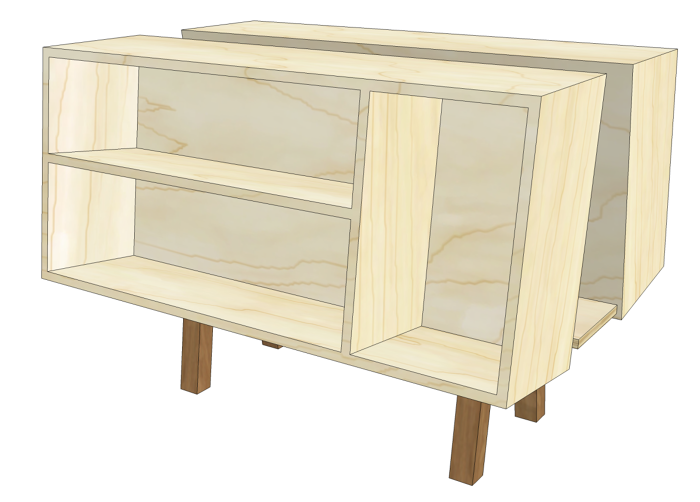
Generally around here we focus on drawing SketchUp models that will be used eventually as the references for projects we’ll build in the shop. Another application that might be useful to you is 3D printing. There are a few companies out there now that will take your SketchUp model and create an object you can hold in your hand. Send them your model electronically, wait a few days and a box shows up on your doorstep.
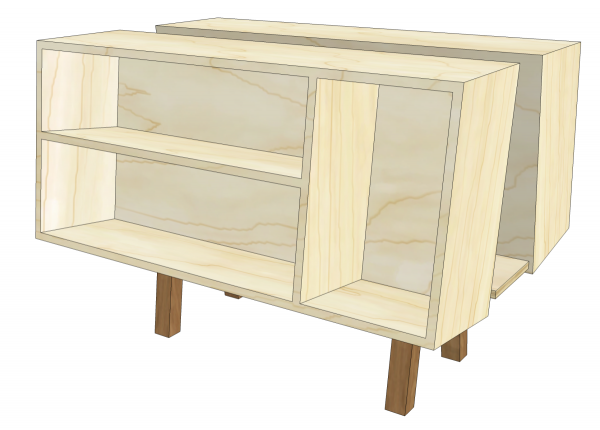
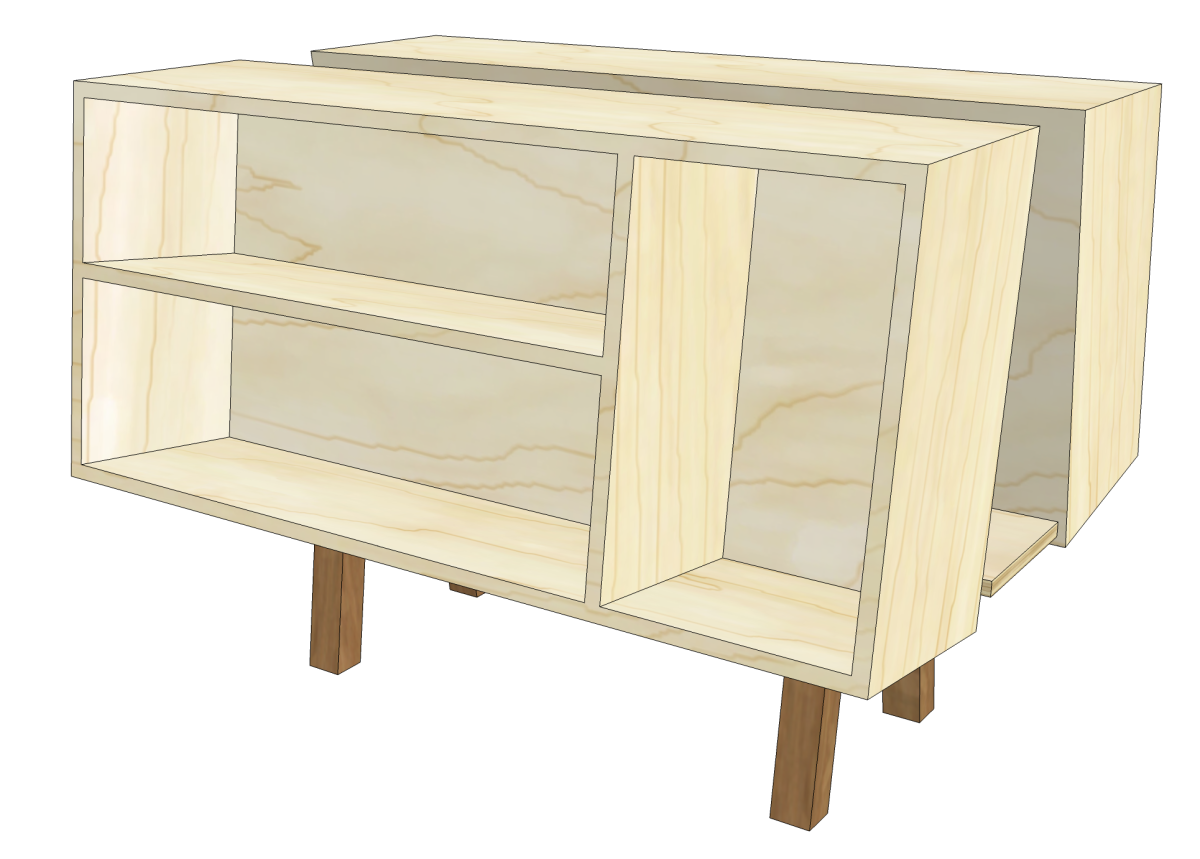
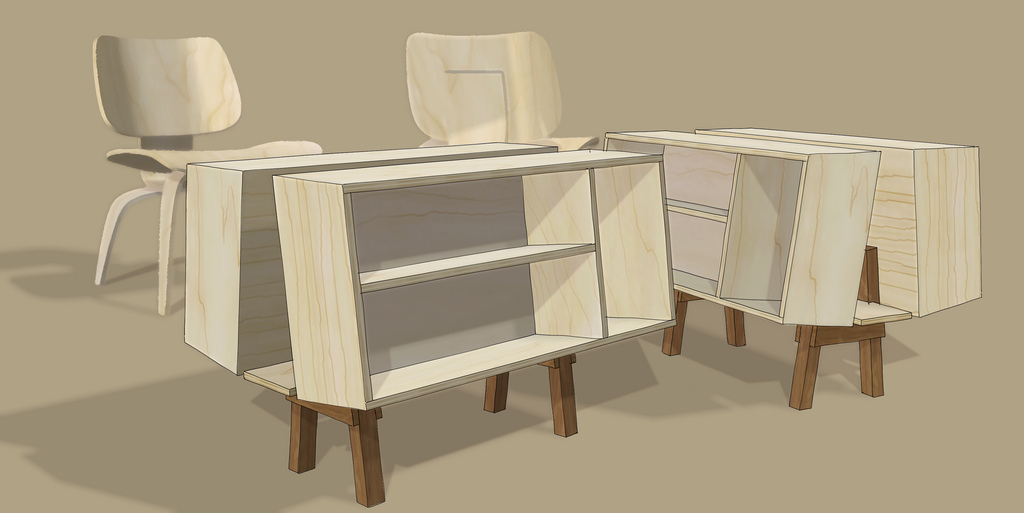
I decided to give it a try with this model of a the MkII Penguin Donkey. Before submitting the model for printing I had to make some changes to the model. First I exploded all the components in the model and then I had to go through the interior of the geometry and delete any unneeded faces and edges. The model needs to be “one piece” or “manifold.” This means that every edge must have two faces, no fewer and no more. You can tell if your model is alright by making a component or group of it and checking in Entity Info to see if it is solid. If it isn’t you’ll need to go hunting. There are a few tools that can help you sort out problem areas if there are any. One of them is called Solid Inspector and another is SolidSolver.
After making sure I had a ‘solid’ model, I scaled it down to the desired size. There’s scaling tools in the upload process but I chose to scale the model to a specific size in SketchUp instead. I did that by measuring the length of one of the caes with the Tape measure tool and then I typed the desired length.
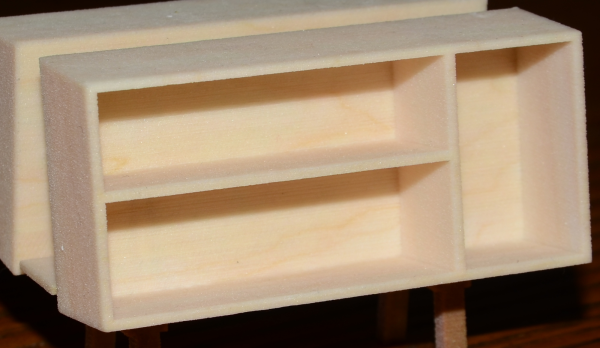
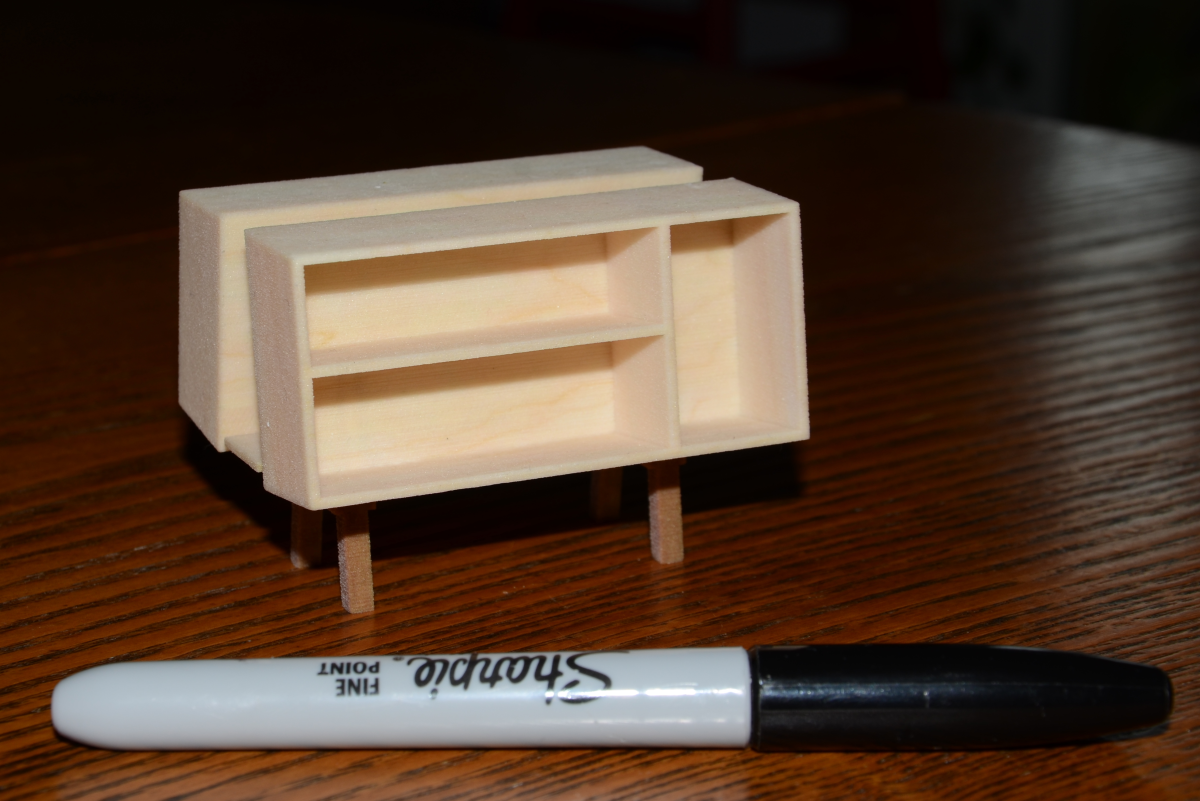
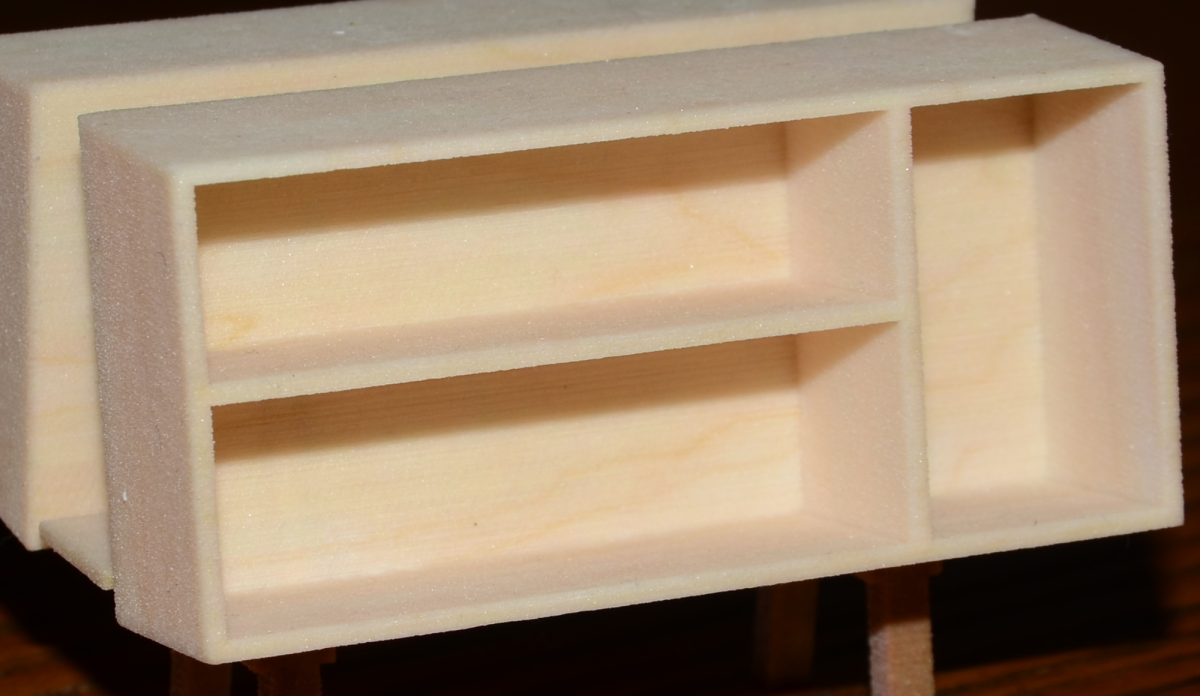
After saving the file I uploaded it to the printing site. I used i.materialize for this. If you’re thinking about trying this you might also check out Shapeways. They both do an excellent job. I chose a material called “Multi Color” to see what would happen with the woodgrain material I applied to the case. As you can see, there is an insinuation of the grain in the plastic. With this material the surface isn’t very smooth but there are other plastic materials that come out with a much finer surface.
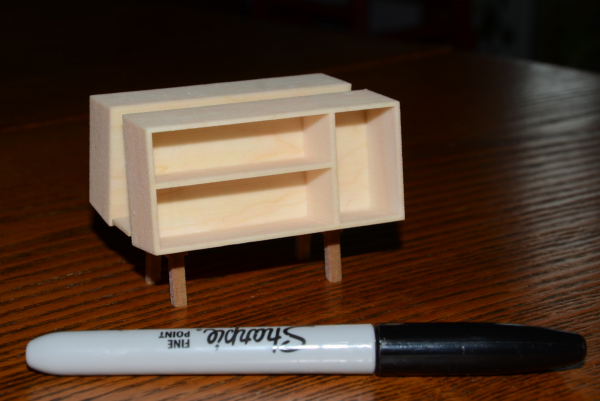
In addition to various plastic materials, Both companies also offer various metals including stainless steel. The stainless steel can be infused with bronze or other metals to create various colors. i.materialize also offers brass, bronze, gold plating, silver and gold. The stainless steel isn’t terribly expensive and you could use it to create custom hardware for your projects or make a replacement for a piece you can’t otherwise replace. Keep in mind that the price of these 3D models is based upon the volume of material used.
Take a look at the galleries at both i.materialize and Shapeways to get more ideas and perhaps give it a try.


















Comments
Dave,
Can't wait for 3D printing to become really mainstream. That is, the ability to output relatively large objects at a cost that's less than the price of a share of Apple stock.
If I may ask, what did your model cost?
dh
I agree with you, David. It would also be nice to see quantity discounts for things like drawer pulls or other custom hardware. They may offer discounts if you ask but I don't know that.
The little Penguin Donkey was about $35 plus shipping. Not dirt cheap but not too bad for a once in awhile sort of thing.
There are some 3D printers available for hobbyists but they only seem to be capable of doing models in plastics/resins. Working in metals requires some additional tools.
Dave
I have to admit, that is FREAKING AWESOME!!!! The possibilities of this is endless! Wow!
Here is a fun tool, just ordered one to make miniature parts before cutting multiples on my Shopbot. My friend got one and said he is having more fun than he expected and his grandkids like playing with the miniatures after he is done with them. A great way to check things out without investing in the big pieces.
http://www.pp3dp.com.
Now that's a clever idea Dave. I knew about the metals but not the two tone plastic. Thanks for sharing.
Rance
I first ran into this tech in Jurassic Park 3. And then I found this....they are working on printable homes.
http://www.gizmag.com/d-shape-3d-printer/21594/
"Star Trek" replicator, anyone?
Log in or create an account to post a comment.
Sign up Log in