
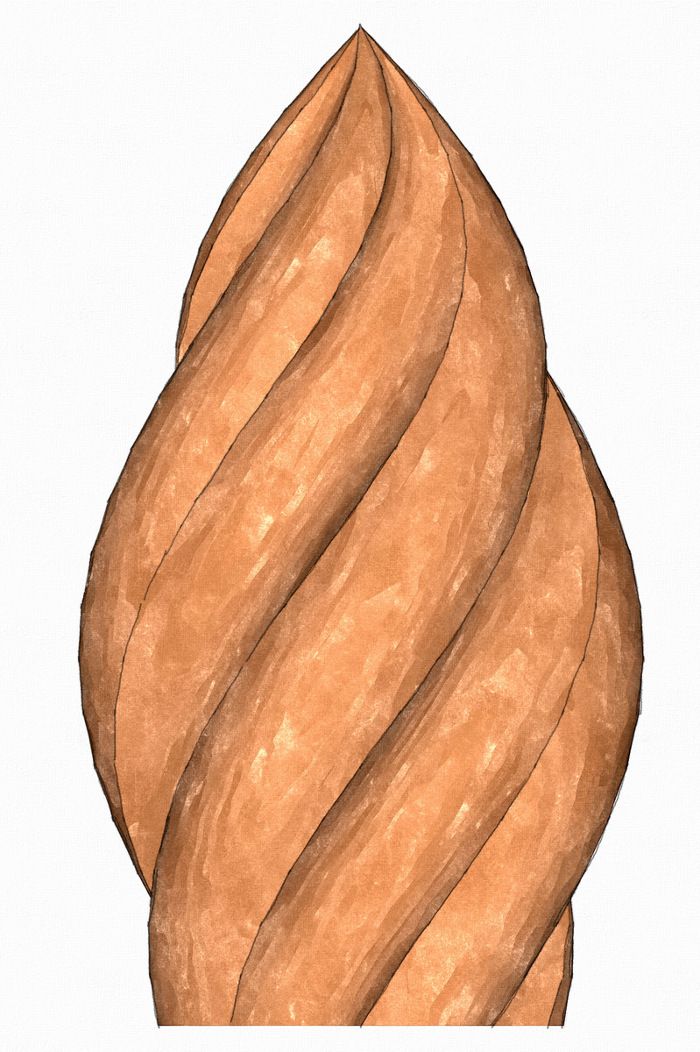
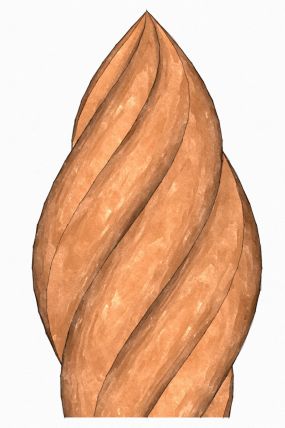
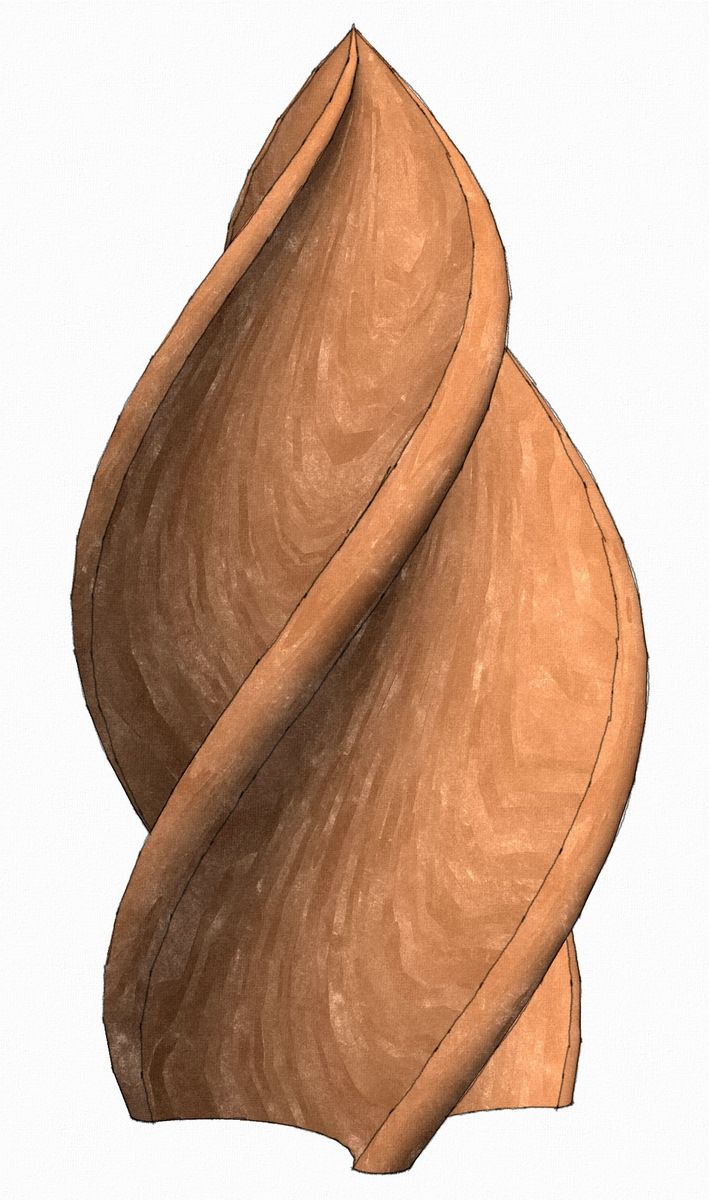
I’ve been asked several times to show how to draw a flame finial. Here’s one way to do it. I used three different plugins for this; Tools on Surface, Weld, and Extrude Edges by Rails. I created the finial shown above in the video. It took about five minutes to draw it and is shown in real time. I had a little trouble with the audio so you might want to turn the volume down at the beginning.
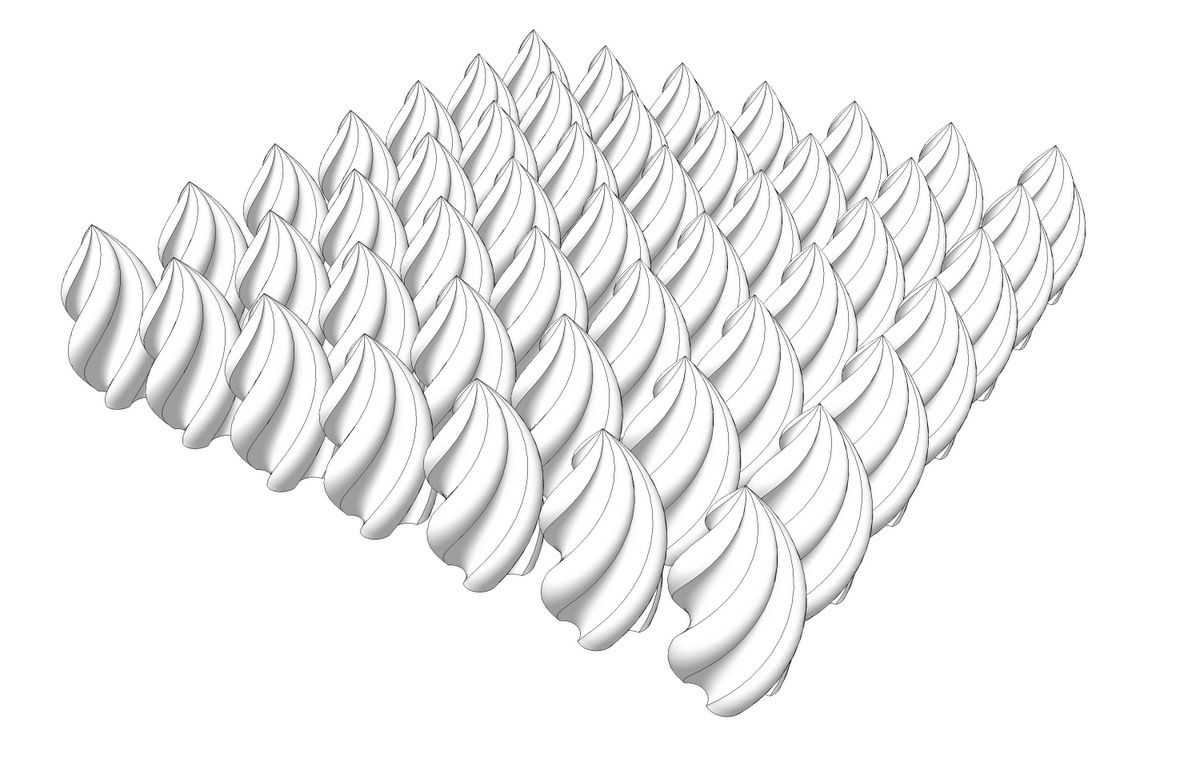
By making components of the surfaces before copying them to complete the finial the file size of the final shown in the video ended up at 129 Kb.
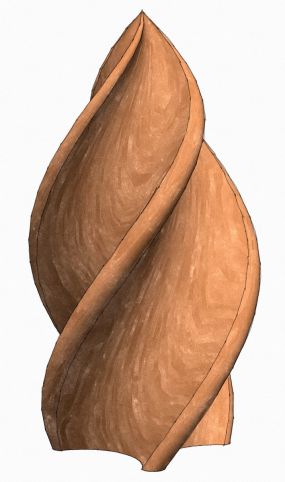
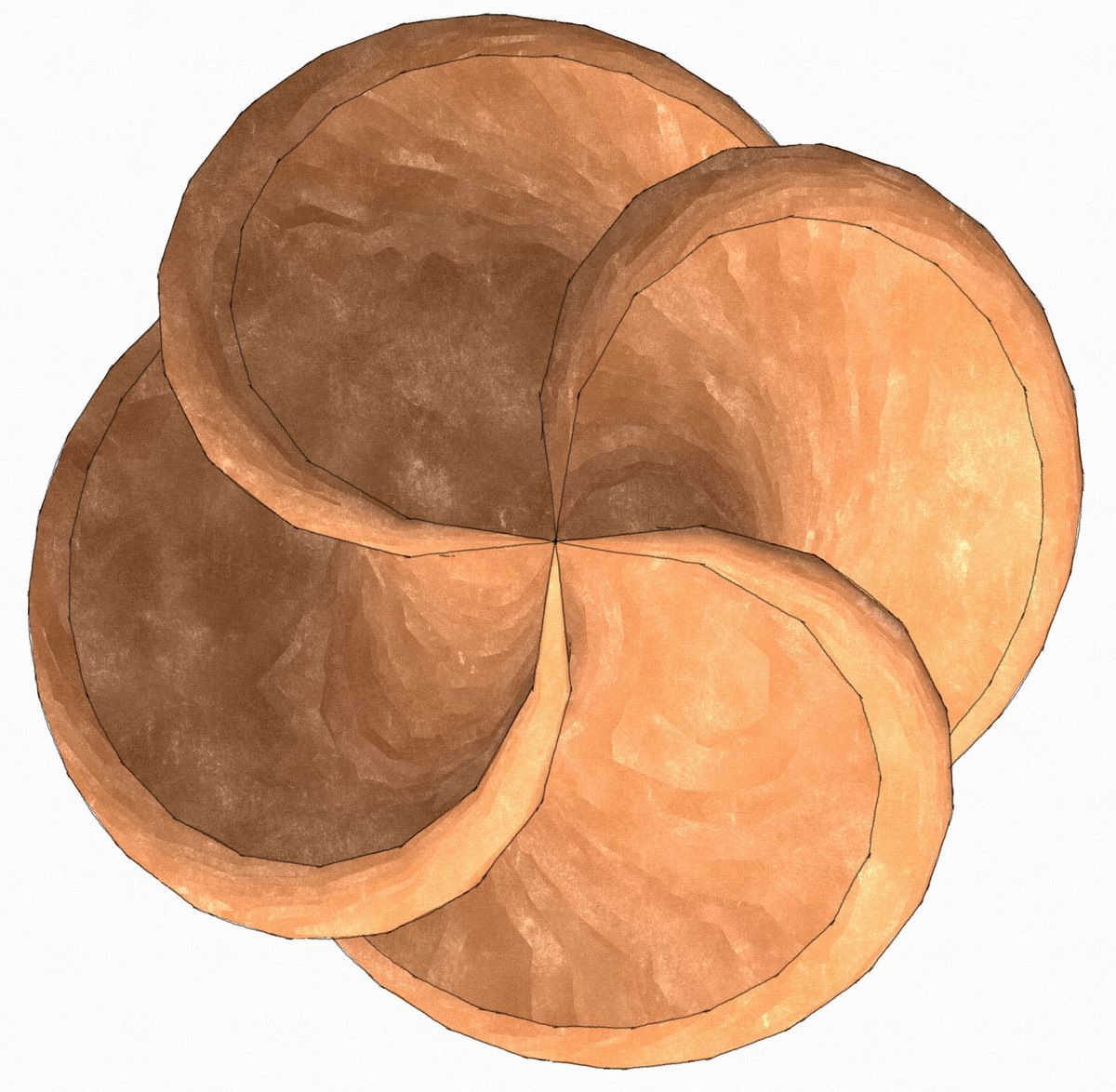
This finial is a variation in which I rotate/copied the original helix through 75° and then made another copy at 90° from the first so that the concave area is quite wide and the ridge is narrow. You could play with different shapes for the overall profile and different angles of rotation to get a different appearance.
















Comments
that was a fun one, Dave, thanks!
Thank you, Michael.
Give it a try. You'll find you can quickly make all sorts of variations with no trouble.
-Dave
David,
Thanks for this!
I tried to do this a few weeks ago, but failed badly.
I knew I could count on you!
Don "Dances with Wood" Butler
I tried to do this but failed. I am new to skectch up and some of the tools used are not on my version. Would be cool if you could discuss where the tools come from
regards
Raul
Raul, what tools are you missing? I provided links to the non-native tools I used in the text of this blog post. Is there something else you're missing?
Dave I was trying to draw a Finial couldn't figure it out. I found this post and I wanted to watch the video but it said it's no longer available. Would it be possible to have this video put back up.
Hi Jim,
My apologies. The host I was using for my videos removed this video without my consent. I'll have to see if I can find the original and upload it elsewhere. Stay tuned.
-Dave
Jim,
I found the video and uploaded it to You Tube. It doesn't look very clear to me but it could be due to processing going on. Hopefully you'll be able to see it well enough.
-Dave
Dave Thanks for the fast response. I watched it today and it looked fine to me. Worked like a charm.
Log in or create an account to post a comment.
Sign up Log in