
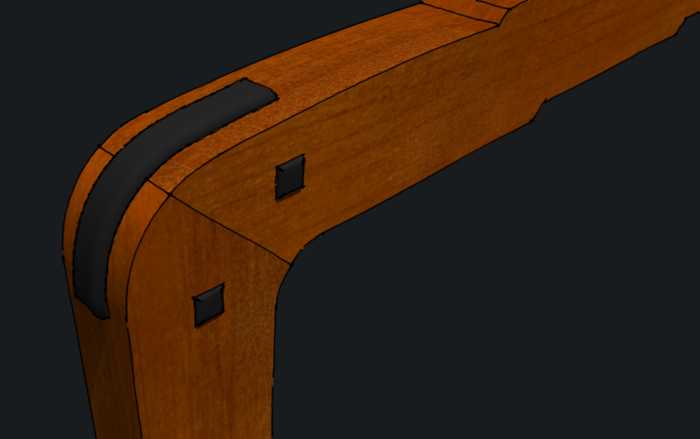
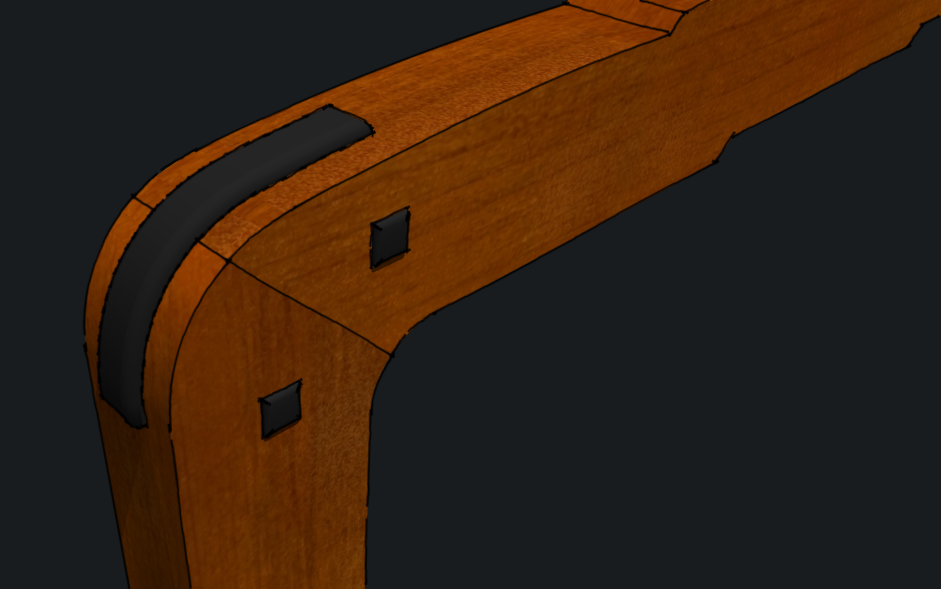
I’ve been working on a Greene & Greene-inspired bed recently. I needed to add an ebony spline to the corners between the posts and the top rails. Here’s a video to demonstrate how I did it. Since I have the pro version of SketchUp, I could have used the Solid tools to do this but I didn’t for two reasons. First, the method I am showing can be done with the free version. the second reason is that the Solid Tools convert components to groups during the modification. This breaks the component’s relationship to the others in the model. Then I would have to convert the group back to a component and replace the original copies with the new, modified component.
The Solid Tools are great for some things but for my work flow I consider the entire process. In many cases, using Intersect Faces and the Eraser winds up being less work than using those tools.
Toward the end of the video I rounded over the ebony spline using the Round Corner plugin. It makes quick work that.
So without further ado, on with the show.
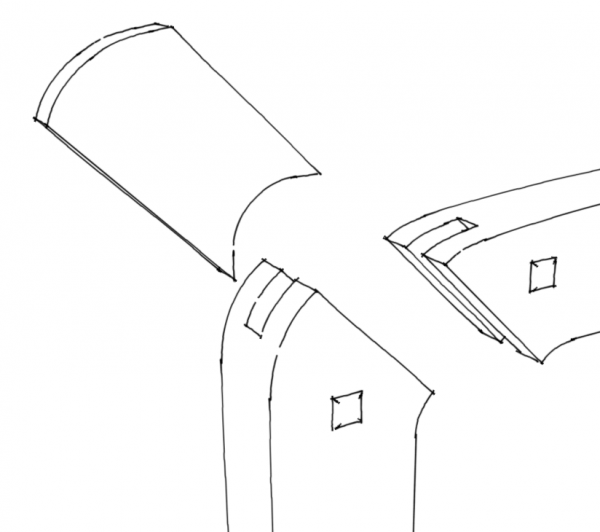
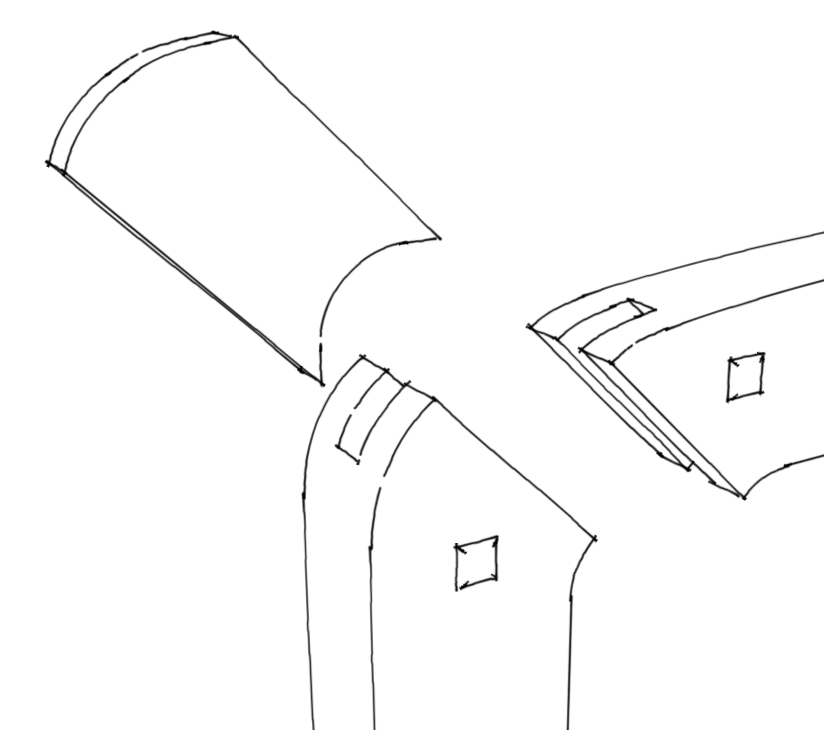
As requested, here’s a sketch from before the false spline was created.
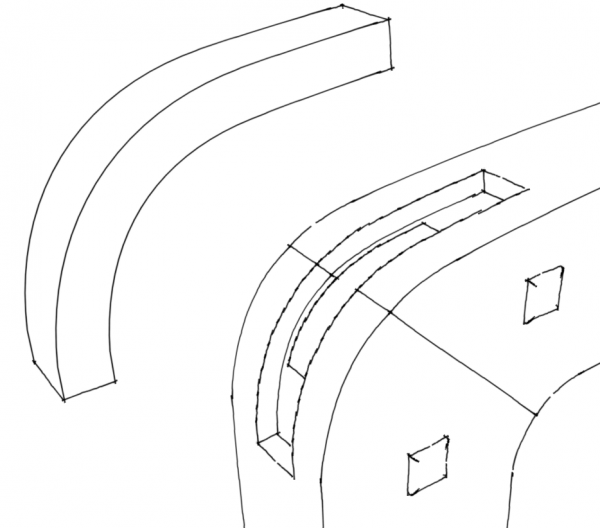
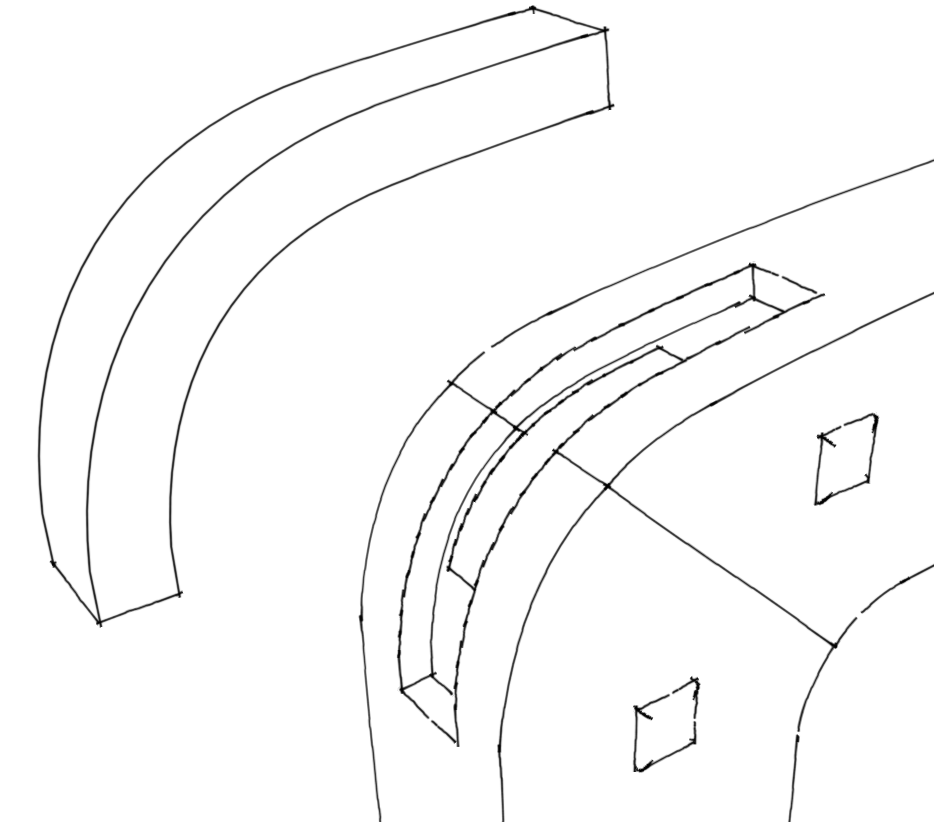
And after cutting the recess for the false spline.















Comments
Interesting. Thanks for the link to the plugin.
Dave
Hope you don't mind the feedback
I found the video , with the false spline and the real spline difficult to follow . I know I would have found it easier if there was a diagram / pulled apart view of the elements forming the corner joint in the beginning of the video as an aide to understanding the moves you were making during the video .
Dont let this put you off doing videos , I eagerly await and learn from them .
Jonas Mac
Jeff, I hope you find the plugin useful.
Jonas, I don't mind the feedback. Sorry I didn't make an exploded view of the joint. I'll see what I can do about adding one. I figured the joint was fairly self explanatory but I guess not.
--Dave
Dave
Thanks for the reply . It cleared matters up for me .
Jonas Mac
Outstanding tutorial, Dave. I do a lot of G&G work, and making these splines and the associated geometry in Sketchup has always been a little tedious. There are some great tips and tricks that you have shown that simplify the process considerably. Now all you have to do is make the splines in the shop, and that is an entirely different matter. (-;
--Matt
Did you use the false spline to save on the ebony, or is there a structural reason for the separate splines? Thanks for the info.
Dan
Matt, thank you very much. You're certainly right about making them in the shop.
Dan, I just drew it as built but I imagine saving ebony was one reason. The real splne is made of the same wood as the leg.
--Dave
Log in or create an account to post a comment.
Sign up Log in