
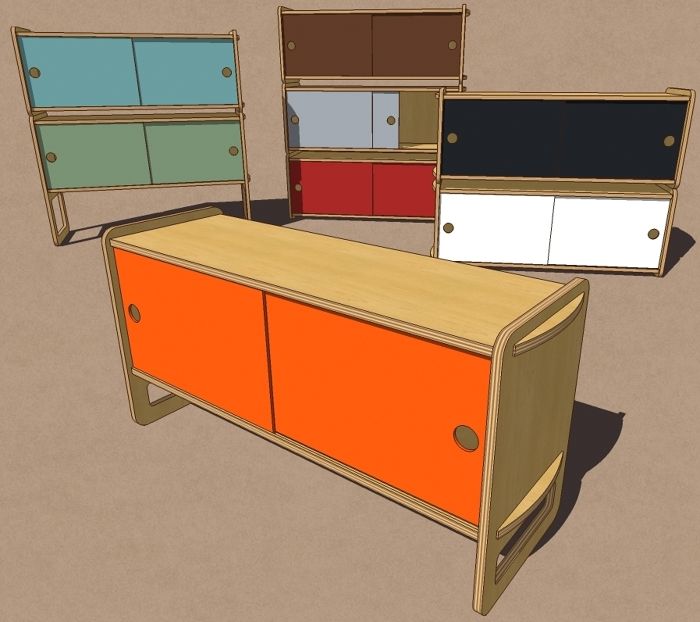
Last night as I was browsing through one of the blogs I look at, I came across some cabinets made in colorado by a company called Housefish. They also do an interesting bed if you’re into contemporary furniture. These cabinets are clearly designed for flat pack shipping and most of the parts are identical between the different cabinet sizes.
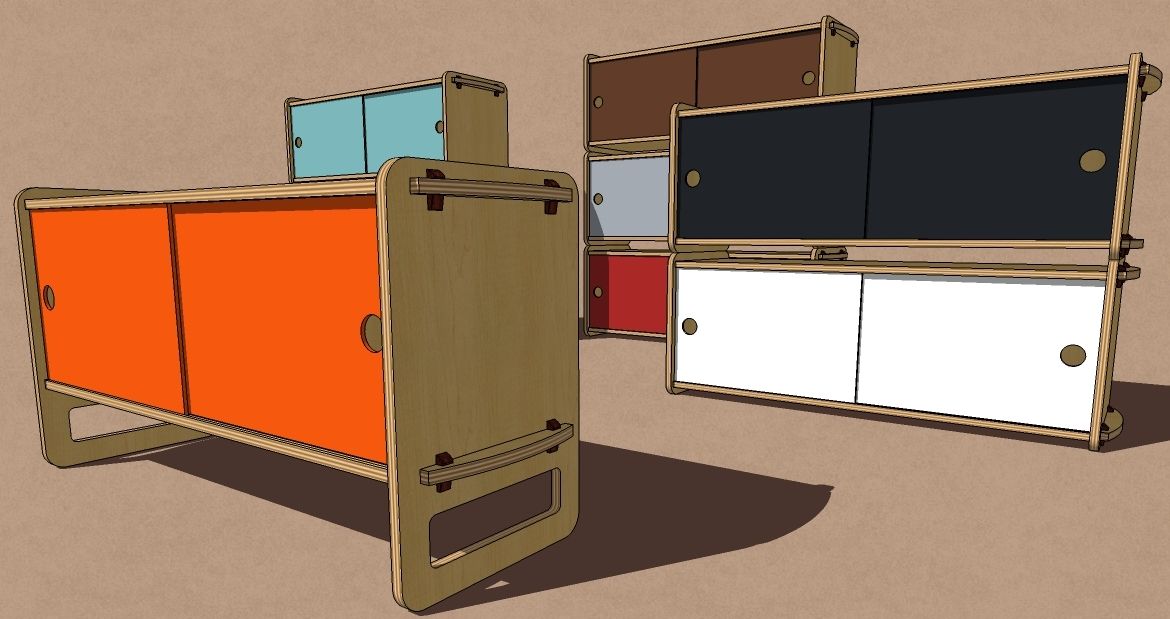
I decided to draw these cabinets in SketchUp just to see what I could do. As always, I made every part a component. There are no groups. The tops and bottoms of the all instances of the same component as are the doors, backs and the center divider. I started out drawing the tallest cabinet first. By modifying the end components, I made the other two sizes from those tall ones. This made it very quick to get all three sizes of cabinets drawn.
Except for the doors, I applied the materials with the components open for editing. this allowed me to make sure the grain alignment was correct. It also made it possible to apply my plywood material to the edges of the top and end panels. I did paint the doors withoout opening them for editing. Since there’s no grain orientation to worry about, I chose to paint the component ‘wrappers’ This allows the door components to remain related throughout the drawing which helps to keep the file size down.
This is a very simple sort of cabinet but the same ideas can be used for more complex pieces of furniture. A whole kitchen’s worth of cabinets could be done essentially as I’ve drawn these. There’d be relatively little work involved and you could more easily insure that you have accuracy throughout your model. If you are going to create a cut list from model, this would be very important.
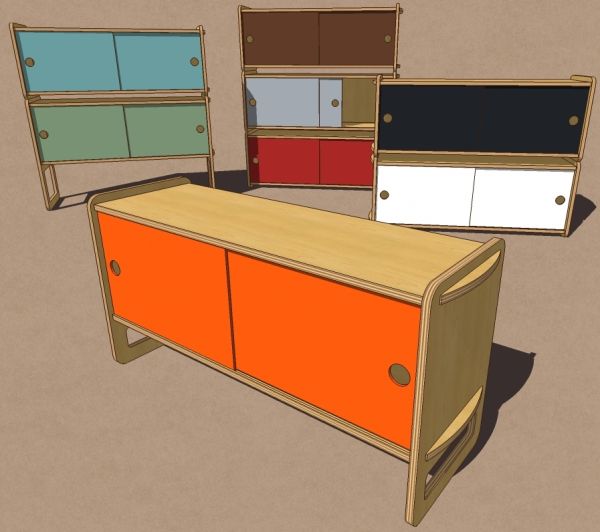
As shown above, the locking wedges and their respective mortises weren’t drawn in. In the image below, I’ve added them with minimal trouble. the mortises were cut in a single component and appeared throughout. The wedge component was drawn once and then copied (Ctrl+Move) multiple times to the other positions.
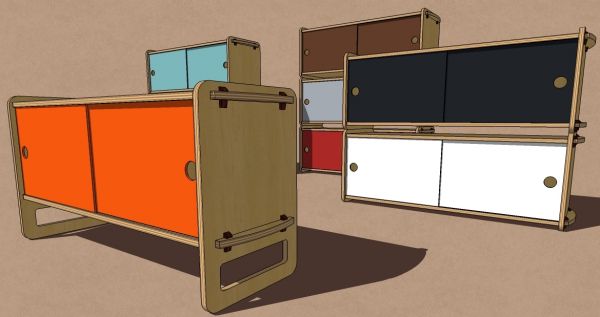
By the way, there is an SKM file out there with the RAL colors which is what the manufacturer used on their doors so I used them on the ones in the drawings. Thanks to a distinguished reader, the SKM file can be downloaded here.

















Comments
Nice work!
Scott Bennett
Housefish
Thank you Scott. Actually I should say, "Nice work" to you. I just drew what I saw.
Hello Dave,
I've been curious about Sketch-up for a few months now. My day job is a cad draftsman for an architectural millwork company, so I wasn't that interested in doing more cad work when I get home. But every time I see a new image in the first page of FWW I say, wow that's pretty cool. I wonder how long it took him to model and render the surfaces. Is it possible to make 2d views from your 3d model? Would my autocad experience help?
Thanks for your good work.
Tom Goodman
Bailey, NC
Log in or create an account to post a comment.
Sign up Log in