
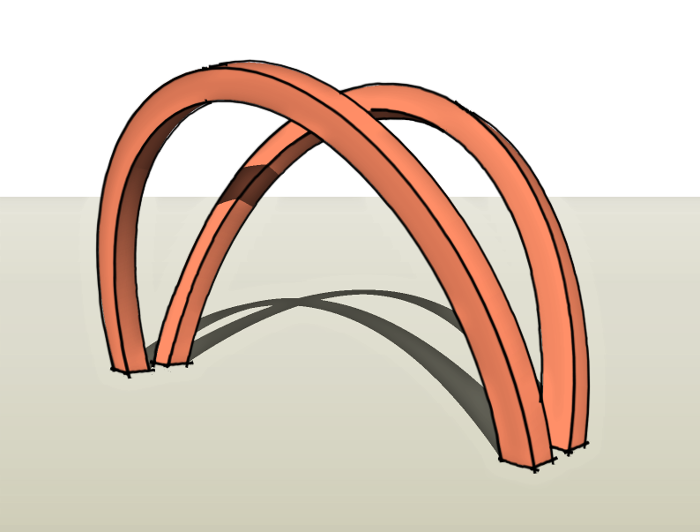
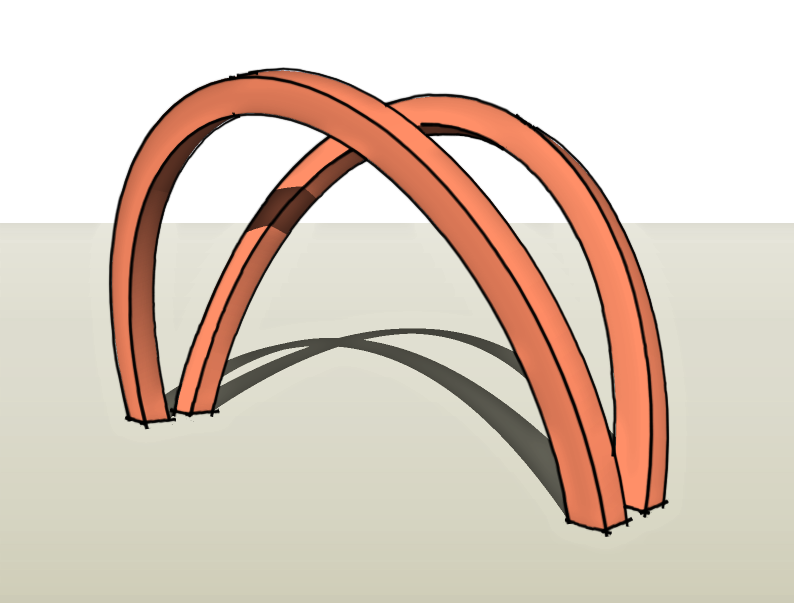
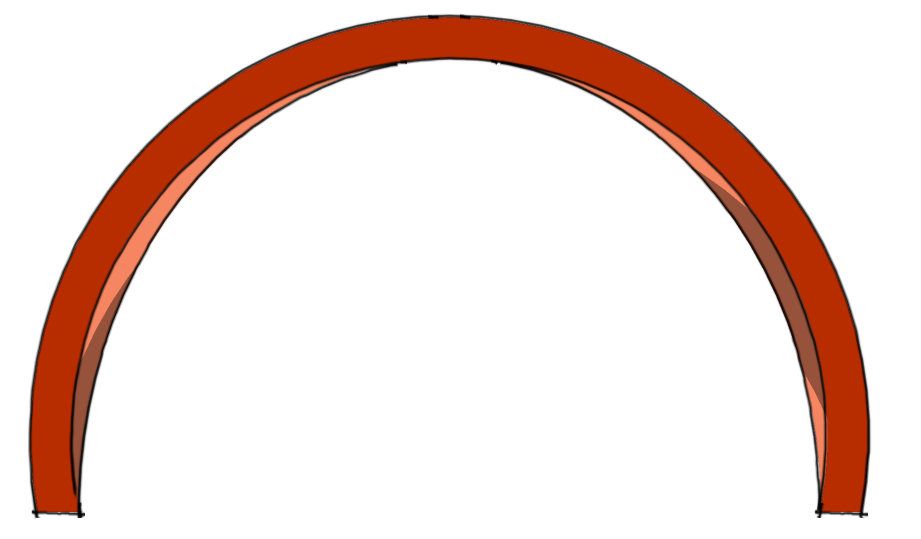
Our reader, noman1, asked about drawing a pair of opposing arches. The video shows one way to draw them. The method is slightly more involved than it might be but it isn’t at all difficult. These arches are taller than half the length on the ground plane. Drawing the initial arc using the arc tool and drawing the arc to the final dimensions would yield a sort of bulging arc as shown in brown, below.
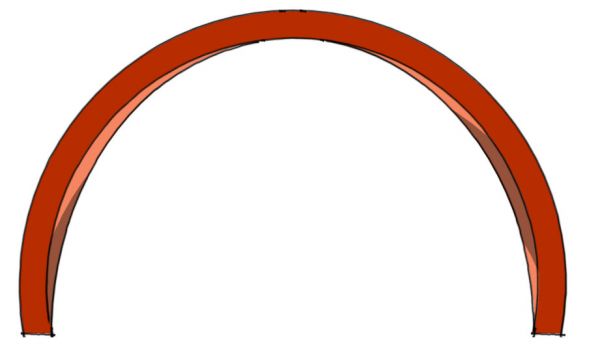
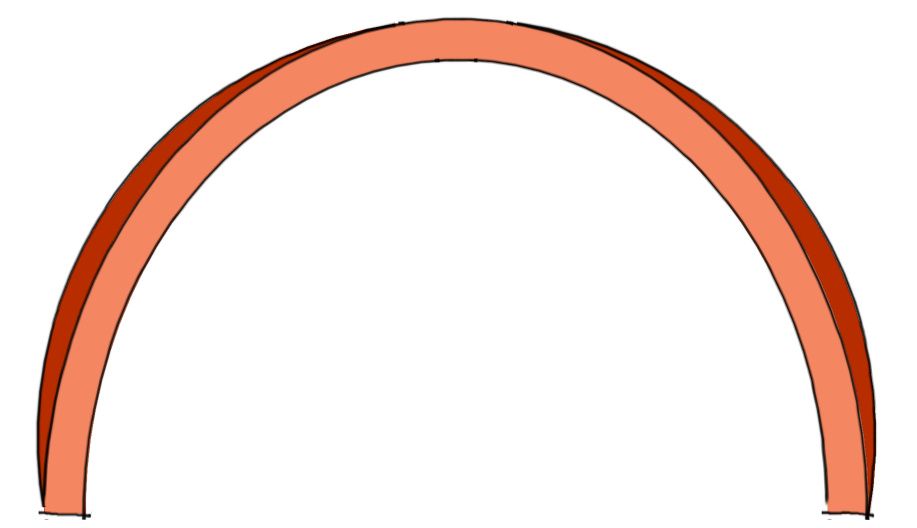
I didn’t like the shape of that arc for this application so I decided to use another approach to get an arc as show in orange in the next image.
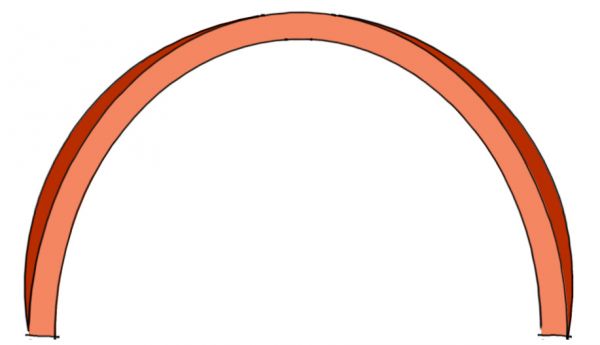
I think the shape works a bit better for this project.
This site is protected by reCAPTCHA and the Google
Privacy Policy and
Terms of Service apply.














Comments
How do you taper an arch?
What sort of a taper would you like? Do you want the center to be thinner than the ends or the other way round? Do you want it to taper on all sides? Is the basic profile square or some other shape? I'd be more than happy to show how that would be done but I need to know more.
Dave
Thanks for the response. I want the arch to taper toward both ends, both on the faces and on the sides. If possible the 'fat' part would be at about one third of the total arch. Total length of the arch would be 48".
The arch would be for the upright back leg of a rocking chair design I am trying to develop.
You guide video on the arches is great - I have Tony Killen's guide to Sketch Up and note that you now offer one so am wondering if it would be a good addition to my how to library.
Ooops - Sorry forgot the other dimensions of the arch:
48" length, 1 3/4" depth (at fat part) tapering to 1 1/4",
2" wide tapering to 1 1/4"
D.F. Could you e-mail me? I still need more info about your tapered arch. You can e-mail me by clicking on my name at the end of the blog post, above.
Log in or create an account to post a comment.
Sign up Log in