

Recently I was working through some SketchUp training documentation in preparation for a class and came across a discussion about an aspect of the Move tool when it is used on circles, polygons and their extruded forms such as cylinders. I remembered learning this long ago but since I hadn’t used it in a long time, I’d forgotten about it.
Perhaps you’ll find some use for this function of the Move tool. It’s certainly handy to have in your bag of tricks.
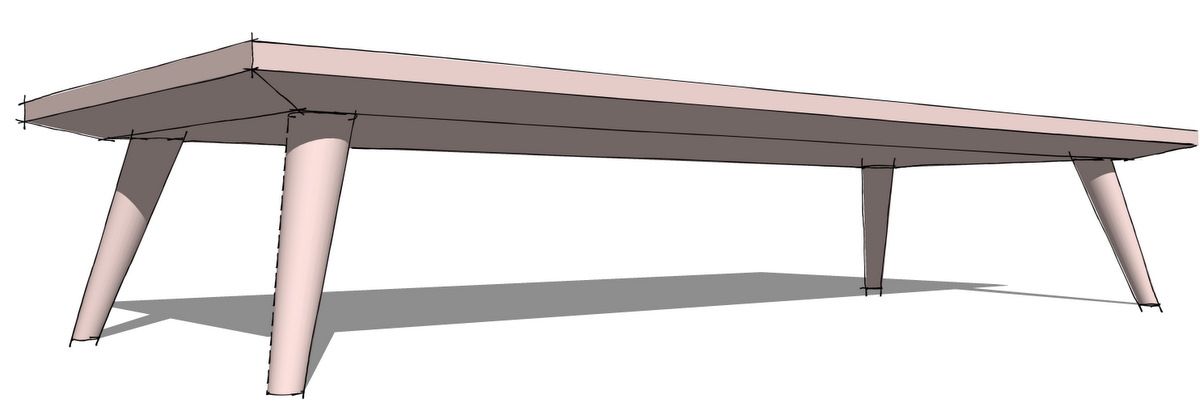
Here’s an example of using Cardinal Points for drawing tapered round legs for a low table.
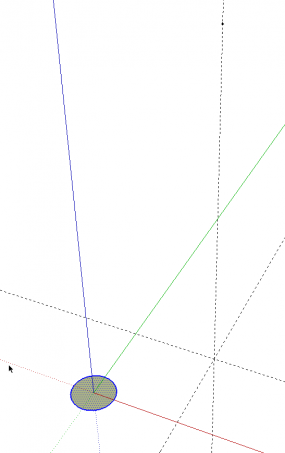
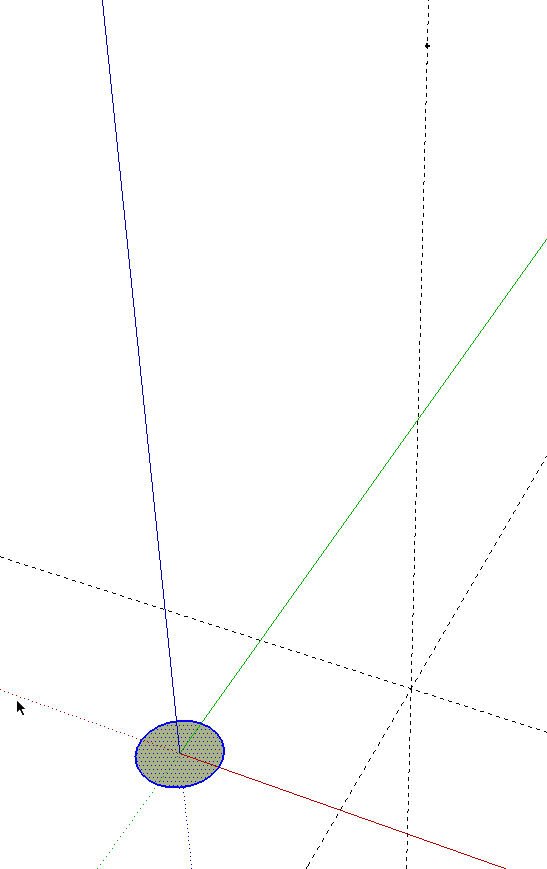
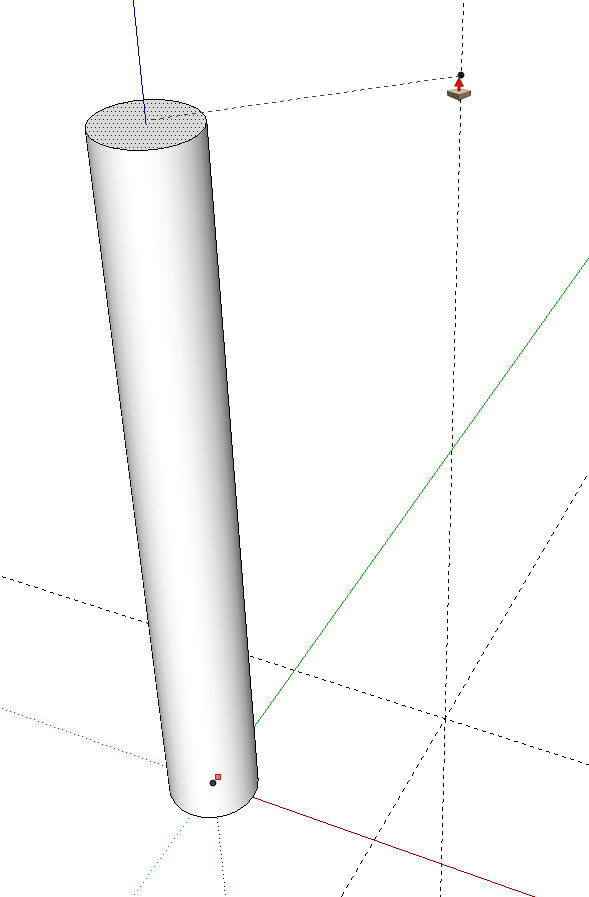
I start with a circle on the ground plane and a few guidelines. The guide point on the vertical guideline is set at the level of the top of the leg and will be at the center of the top face of the finished leg. The circle is sized for the foot of the leg. I made it 1/2 inch.
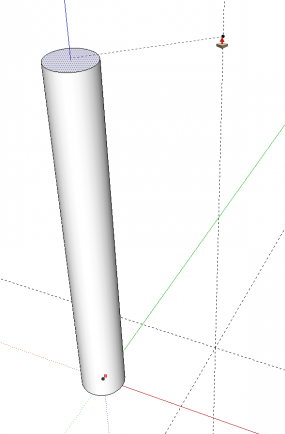
Push/Pull to height.
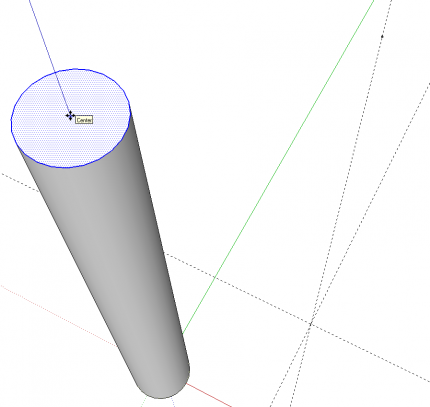
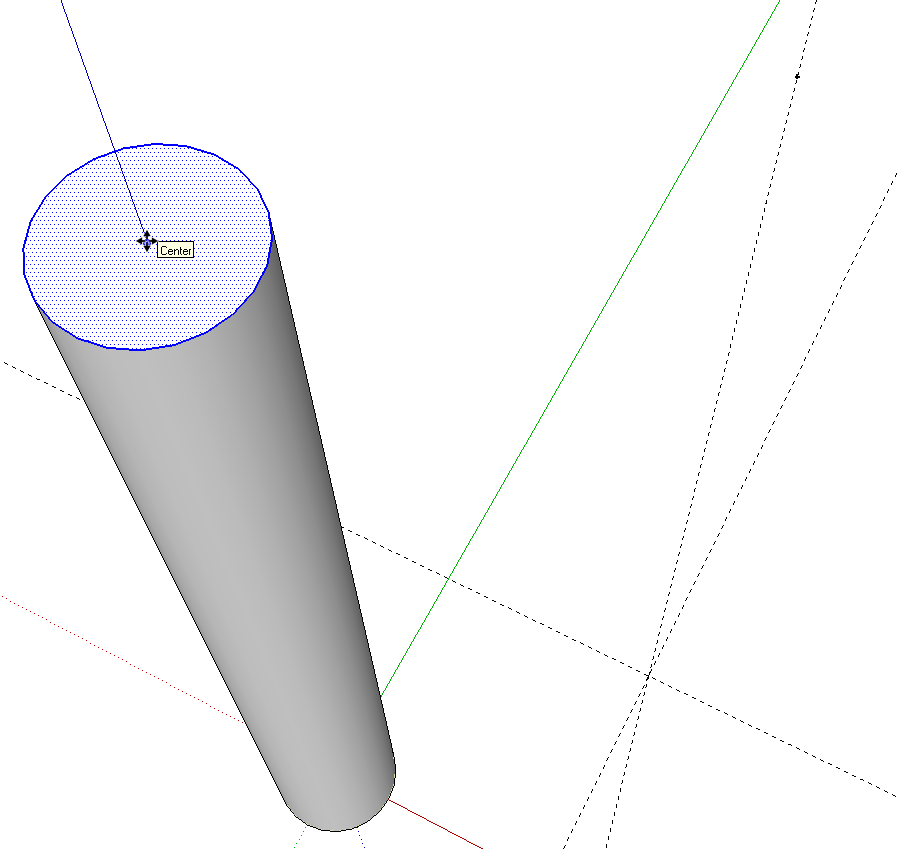
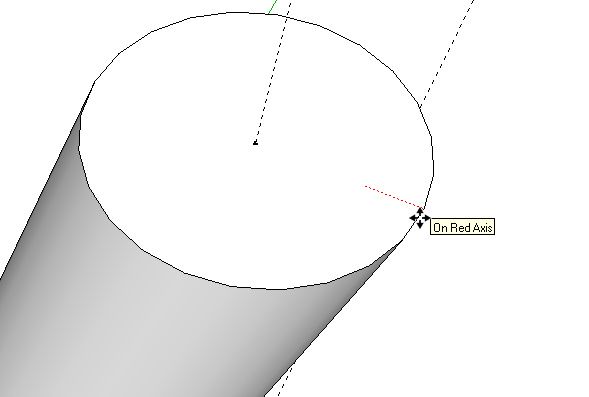
Select the top face and edge of the cylinder. Get the Move tool and grab the center of the circle. Use inferencing for this. Hover the Move tool over the edge for about two seconds, then move the cursor toward the center of the circle. whe you get close, it’ll snap to the center.
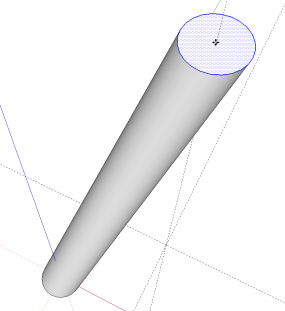
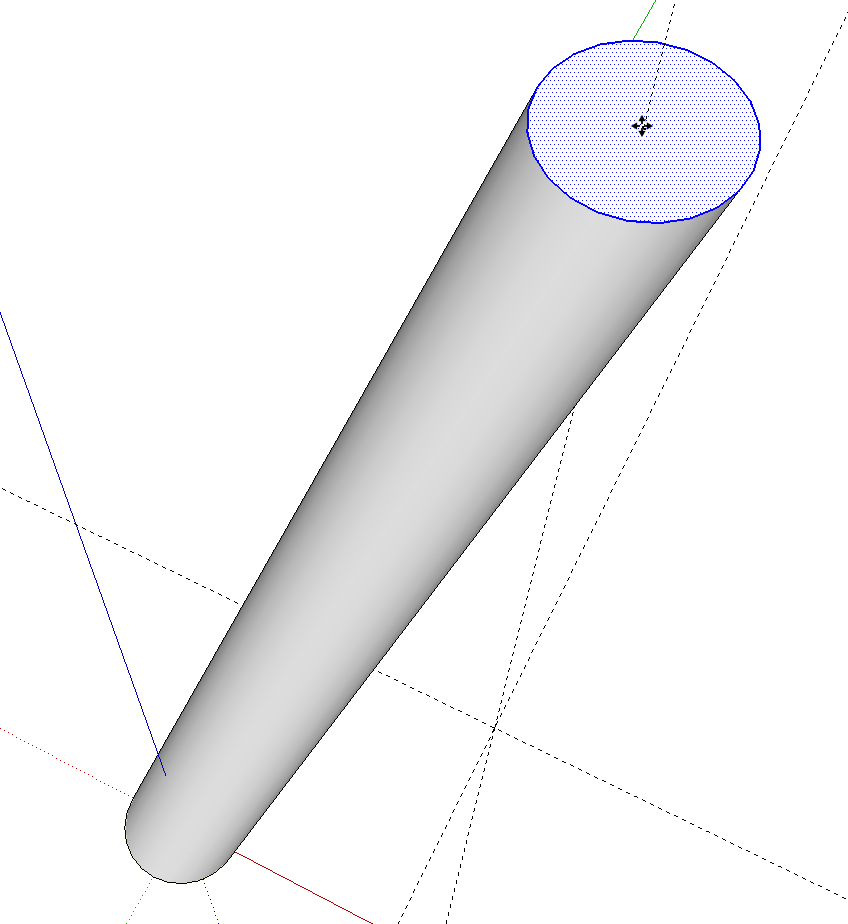
Hold Alt (Command on the Mac) to invoke Autofold. Then move the center over to the guidepoint.
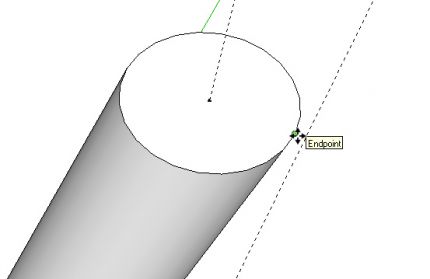
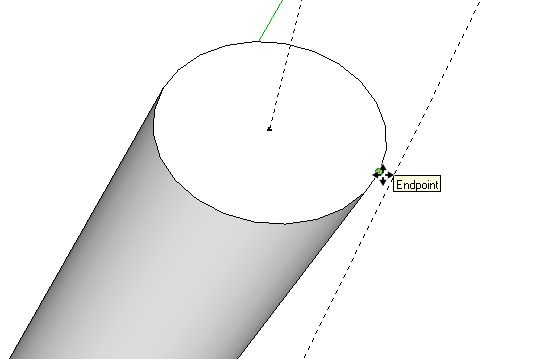
Hover along the edge of the top of the leg until you find the Cardinal Point. Click and pull the circle out. I wanted the top of the leg to be 1 inch in diameter so I pulled the radius out by 1/4 inch.
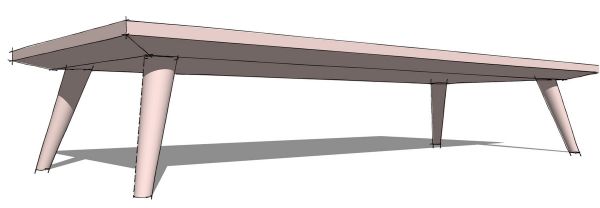
Make the leg a component and copy it to make the other three legs.
















Comments
Hi, Dave,
I am not a woodworker but I love SketchUp as a diversion from the other things life throws at me. I love learning about how it works and useful tips.
I am grateful for the tip on using cardinal points. It was well explained and demonstrated and will be useful to me. I will be looking at the other things you put up, too.
Thanks, Dave!
Taylorbad
Log in or create an account to post a comment.
Sign up Log in