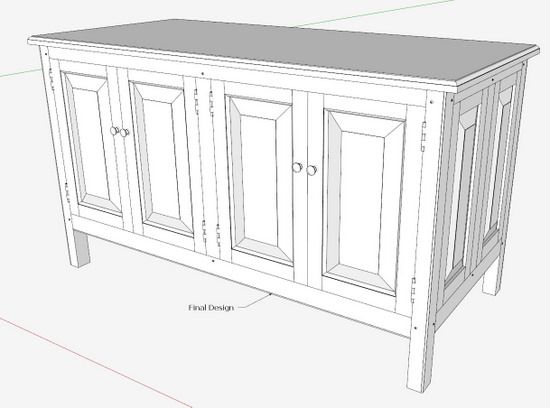
When beginning a new design, I plan on saving several SketchUp versions as the project develops. I will start with a “1” after the filename, and continue with “2, 3, 4, 5…. etc.” when changing the design significantly. I typically end up with five – to – 10 SketchUp file versions and find these back versions to be “life savers”. I may go down a new path in the design development, only to find that it won’t work, and then have a need to back-track. The back versions are like insurance, and have saved me from having to re-create previous design details.
An example of this process is illustrated below. The example project is an HDTV cabinet that will house the associated electronics including, Blue-ray DVD, Stereo Receiver, Cable/Satellite Receiver/DVR, and IR extender electronics.
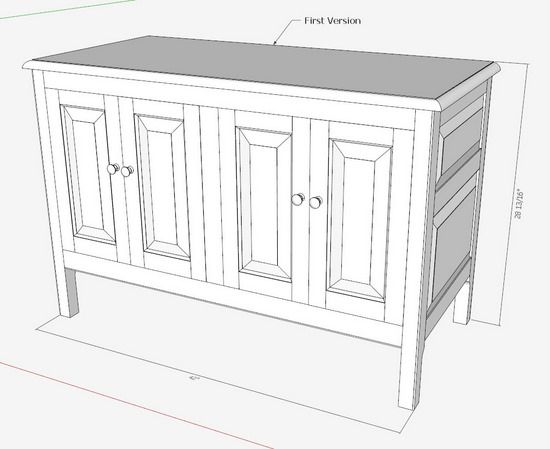
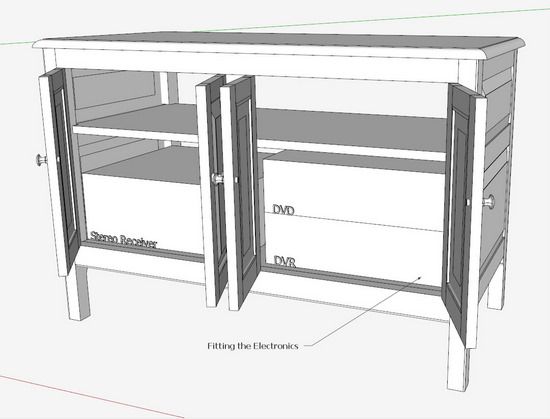
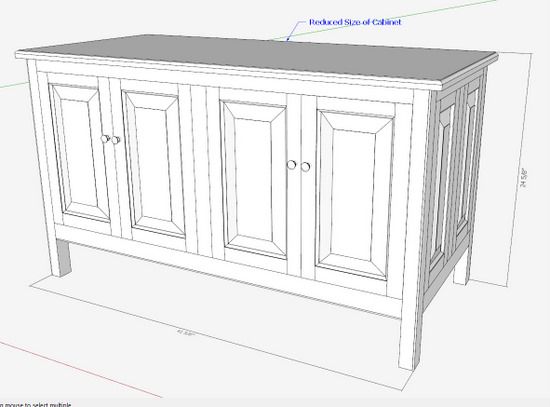
Version 1: I began with the simple modeling of the electronic boxes – sizes only, no detail, then developed an enclosing box (frame and panel construction). The first version is shown below
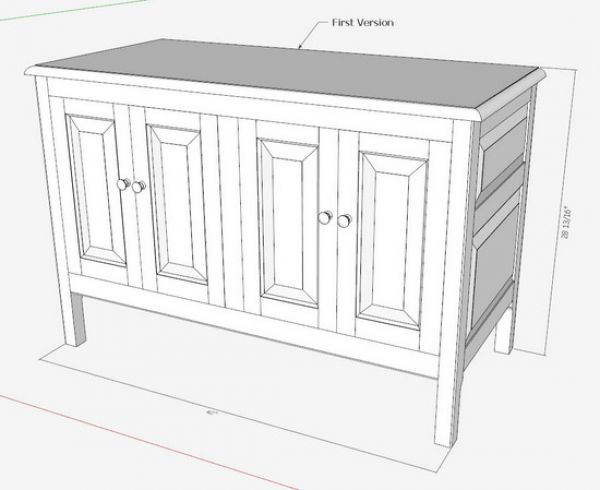
There is no joinery at this stage, just a simple model to create a workable idea. I’ve included the electronic boxes to check-out the sizing of the cabinet. There is plenty of space for future growth or for storing other materials.
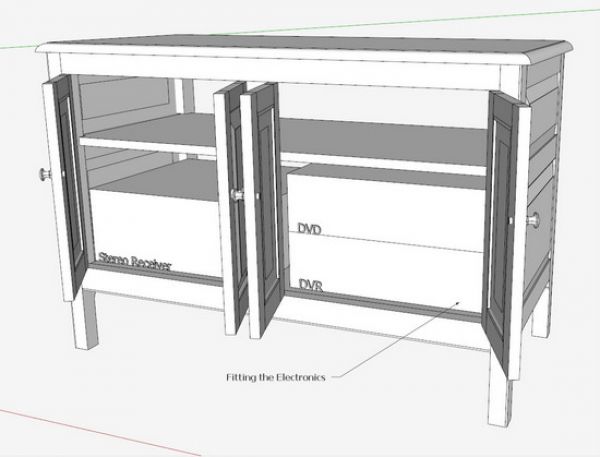
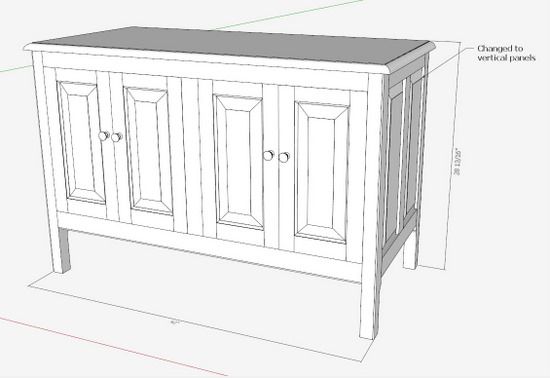
Version 2: I’m not liking the horizontal side panels in this first version, as they seem to conflict with the vertical front door panels. So I “Save As” another SketchUp file and append the file name with a “2”. I change out the horizontal side panels for vertical ones. The Move/Copy Tool is used to resize the panels.
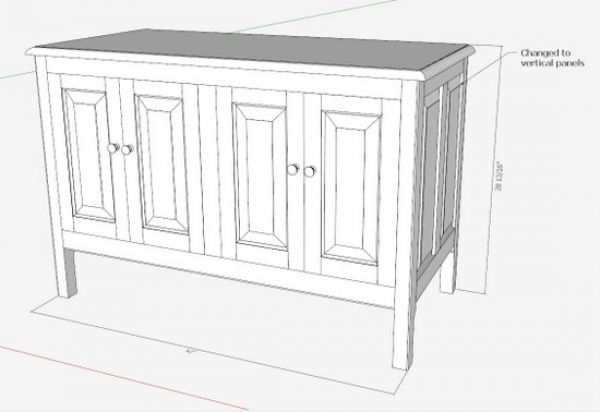
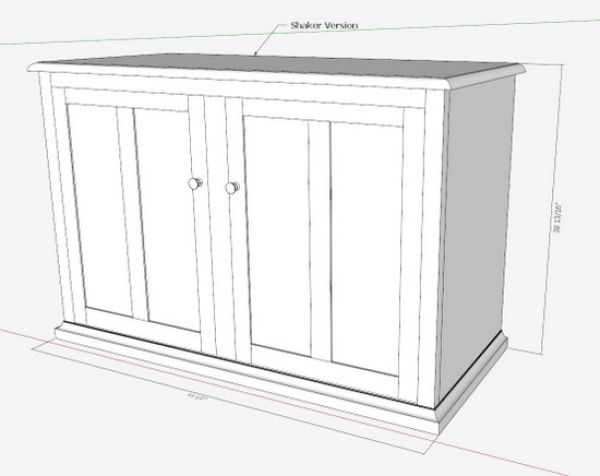
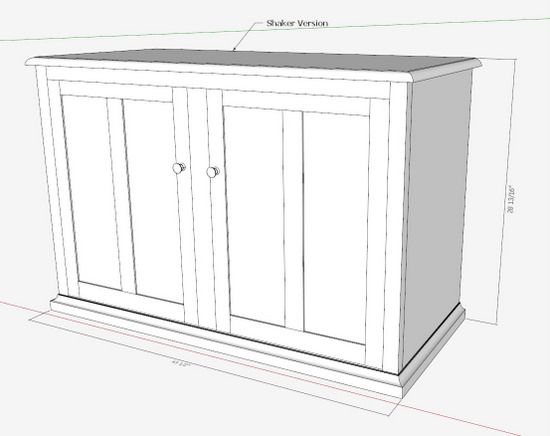
Version 3: I also built a version “3” model to show an alternate design style – somewhat Shaker.
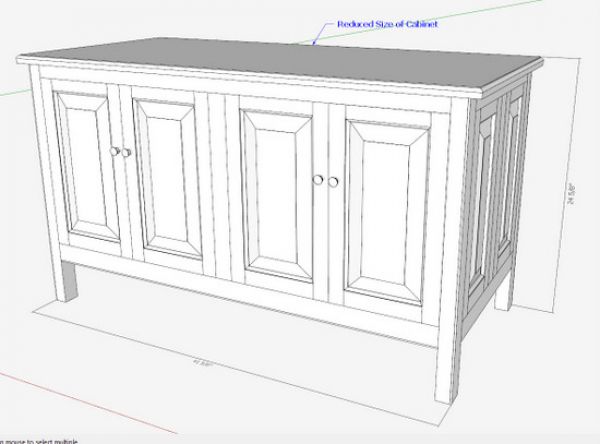
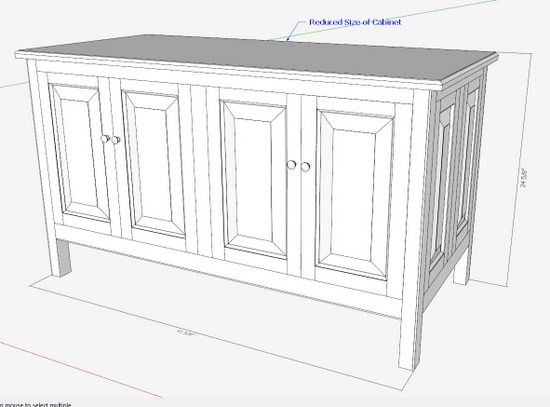
Version 4: The customer asked that I use the frame and panel version and reduce the height of the cabinet, so I “Save As” a new version 4, shift the internal shelving and electronics, and trim the height. Using the Move/Copy Tool, the adjustments are quickly made to the Posts and Door components.
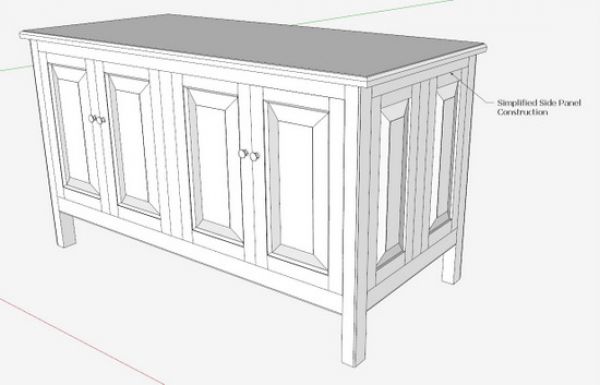
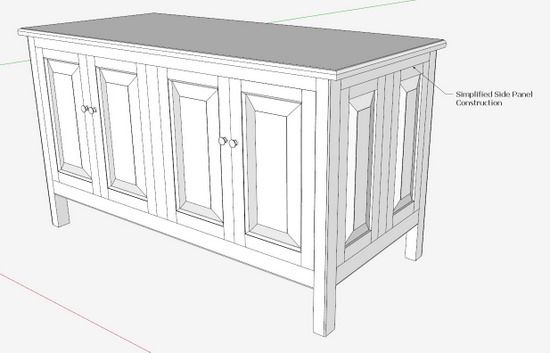
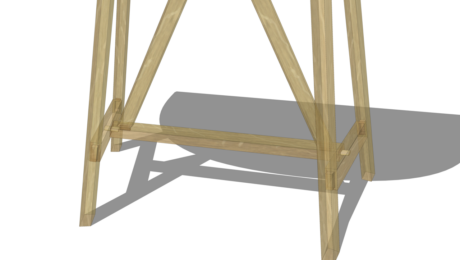
Version 5: I simplified the side panel construction and joinery, using bridal joints, and eliminated the molding treatment that is done on the door fronts.
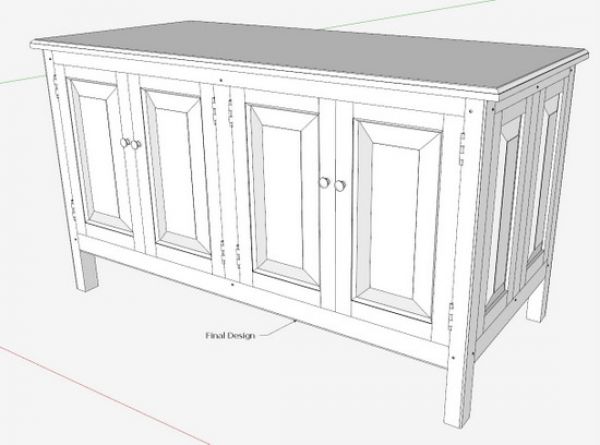
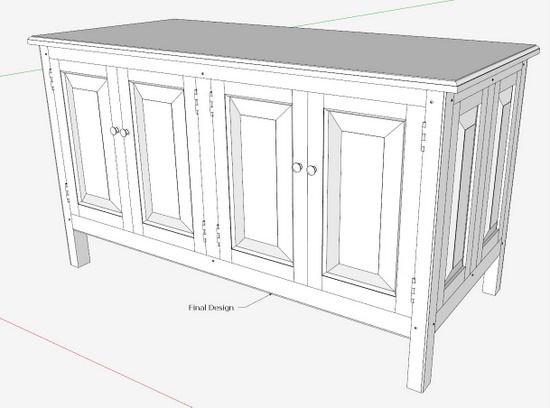
Version 6: With customer agreement, I continue detailing the model including all joinery, internal details, and hardware.
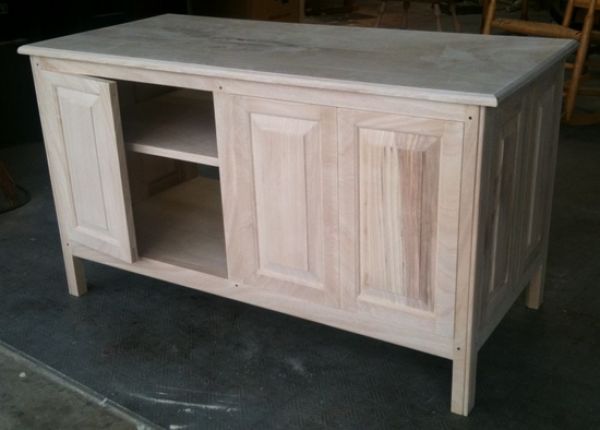
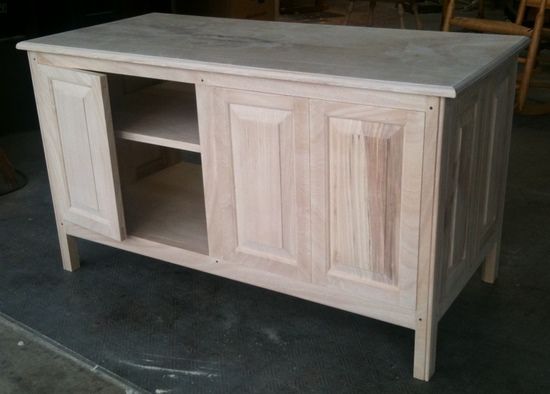
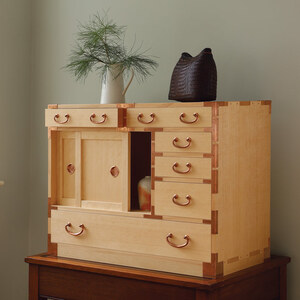
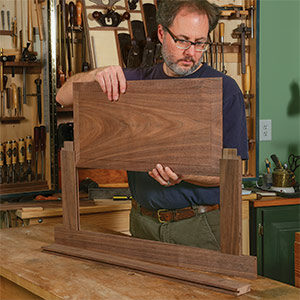
Here is a picture of the actual shop construction so far:
Saving multiple versions certainly increases the number of files and file space, but pays off in the end. I keep these old files and continually go back to them for reference and access to component designs.














Comments
That's a great tip! I wish I would have learned that one long long ago. Cheers!
Hi Tim, Glad to see someone else does this too. I've made an Adirondack chair from a plan in a book, basically o.k., but some bits needed tweaking slightly. I drew the plan as the book dictated, then assembled it in sketchup, only to find some bits weren't quite as they should be... Hence saving a new version, then another for tailoring to the wifes dimensions. A new version is under way for my smallest child - roughly half the original lengths! Another is started for me. Then another will be created for my daughter... Yes they take up space - but if you email the .skp file to yourself, your email provider stores them till you want them!!!
Hi Tim, Glad to see someone else does this too. I've made an Adirondack chair from a plan in a book, basically o.k., but some bits needed tweaking slightly. I drew the plan as the book dictated, then assembled it in sketchup, only to find some bits weren't quite as they should be... Hence saving a new version, then another for tailoring to the wifes dimensions. A new version is under way for my smallest child - roughly half the original lengths! Another is started for me. Then another will be created for my daughter... Yes they take up space - but if you email the .skp file to yourself, your email provider stores them till you want them!!!
I did this on my last project. I had saved so many different updates, that I started using the date, as in "tvconsole041911" to help me keep up with the changes.
Nice looking tv cabinet.
Glad I finally made the move in using Sketchup more properly. Downloaded the "book" from FW and got back to designing furniture before building it. Easier designing with pencil and paper originally, until I got the book, but then played with my first Sketchup.
Now I use Sketchup exclusively before going out to the shop. I built a few pieces, designing and figuring out joints, sizes and such, and the building process with so much smoother than before. Used it to re-do the kitchen cabinets and found some "flaws" I would not have noticed until it was too late. Easier to pass on to customers with the saved file and printouts just make it all worth while.
To dwbaulch:
The advantages you state sound all too familiar. I'm certainly spending more time in detailing SketchUp models. But that time is more than made up in the actual build. There aren't so many "surprises" in shop construction that cause re-work.
Tim
Log in or create an account to post a comment.
Sign up Log in