
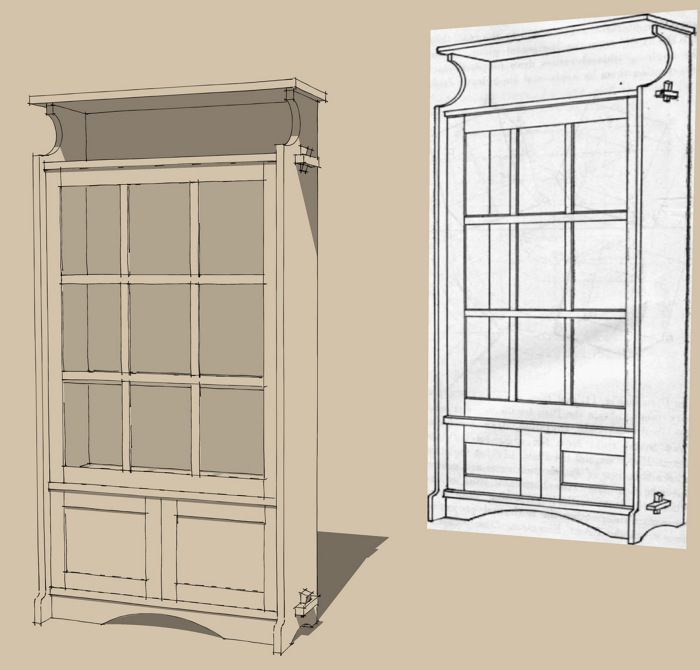
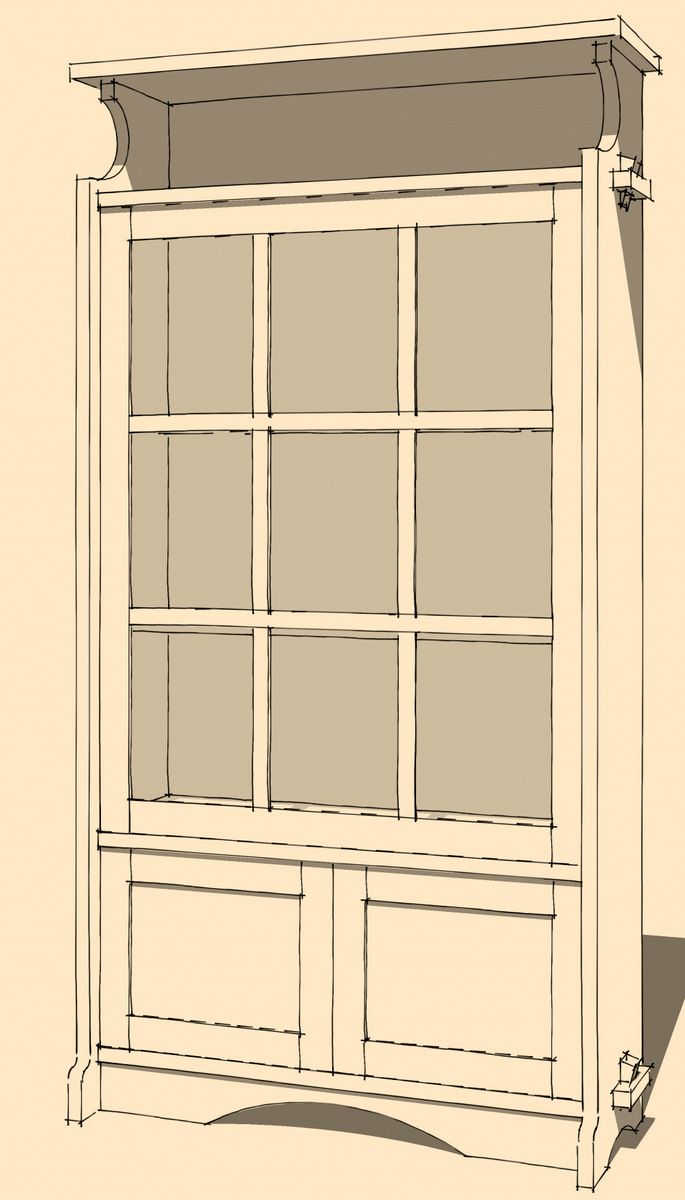
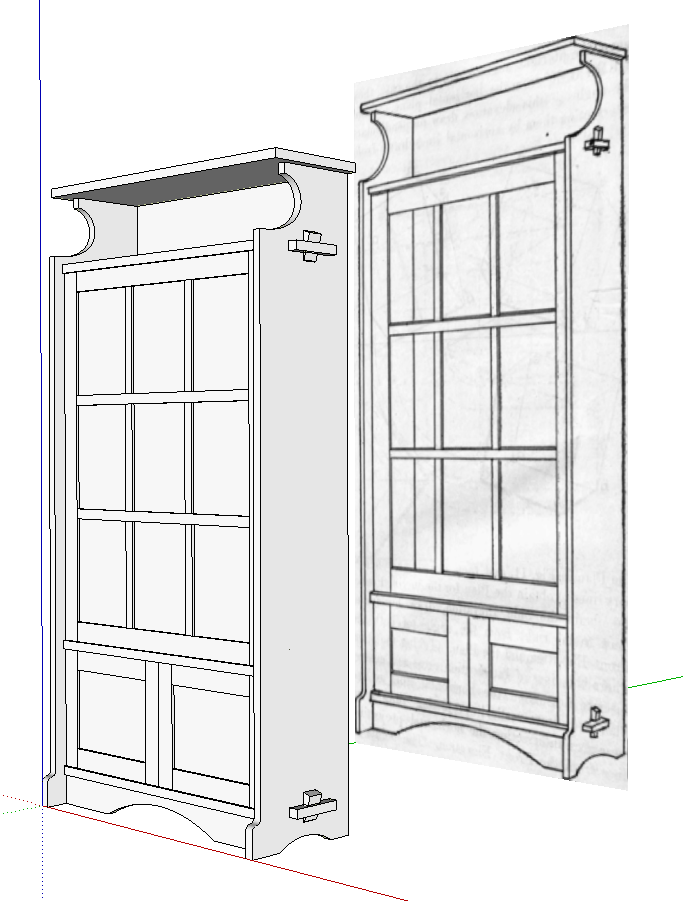
In my previous blog post entry I wrote about tracing a reference drawing to get the basics for a 3D model. sometimes the reference drawing isn’t at all useful for tracing. It may not be drawn accurately or to any sort of scale. Still it can be handy as a reference. You could print the drawing if it isn’t already printed or you could open the image in some other application and switch back and forth between viewing that drawing and working in SketchUp. If you have multiple screens, you could display the image on one screen while you work in SketchUp on the other. I find it easier to open the drawing image right in SketchUp and put it back behind where I’ll be modeling so I can see it and the model at the same time. Here I have an illustration from A Small Bookcase by John F. Adams which was originally published in Amateur Work Magazine Vol. 1 by Draper Publishing in 1902.
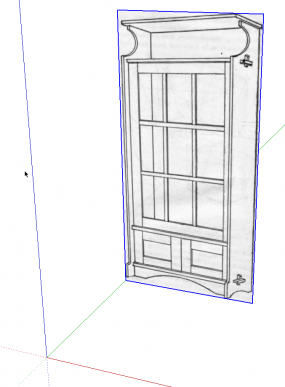
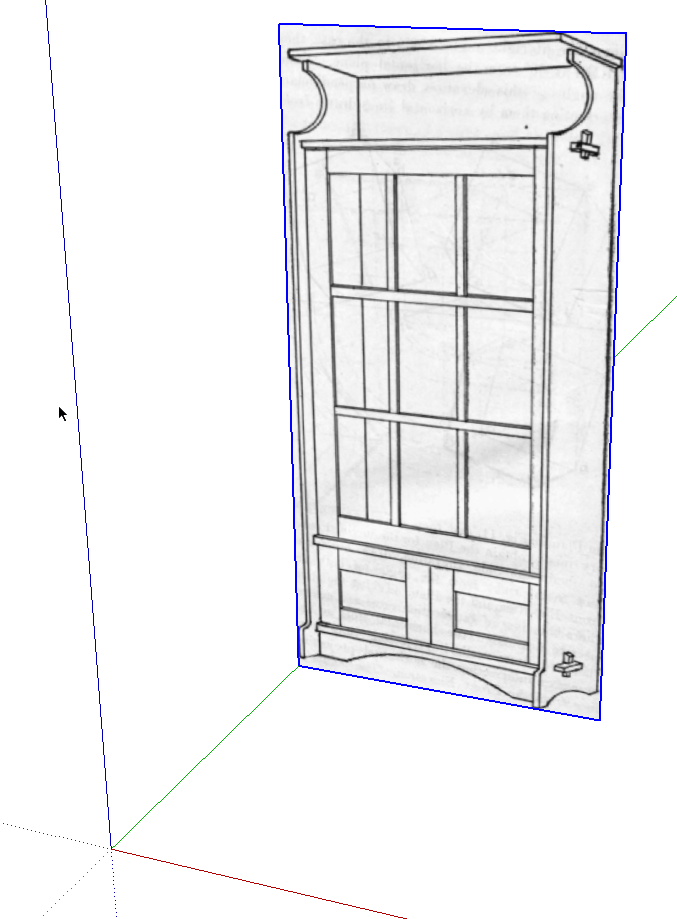
Here I’ve imported the image as an image and moved it behind the red axis a bit. I’m not terribly worried about the size as long as it is big enough. There’s no useful dimension information in the drawing itself so I skip the scaling business and get to drawing.
In this example, the few dimensions I have are picked up from the text accompanying the image. The text gave a bunch of dimensions for parts of the cabinet but didn’t identify them so it takes a bit of detective work. Once a few of the dimensions are entered however, the rest can be sorted out in short order.
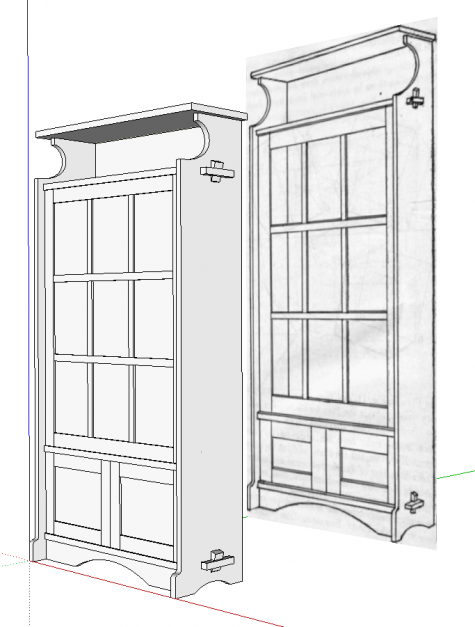
Since I nearly always draw parts in situ, I don’t need to know an many of the dimensions after the first few pieces are drawn. the rest just have to fit.
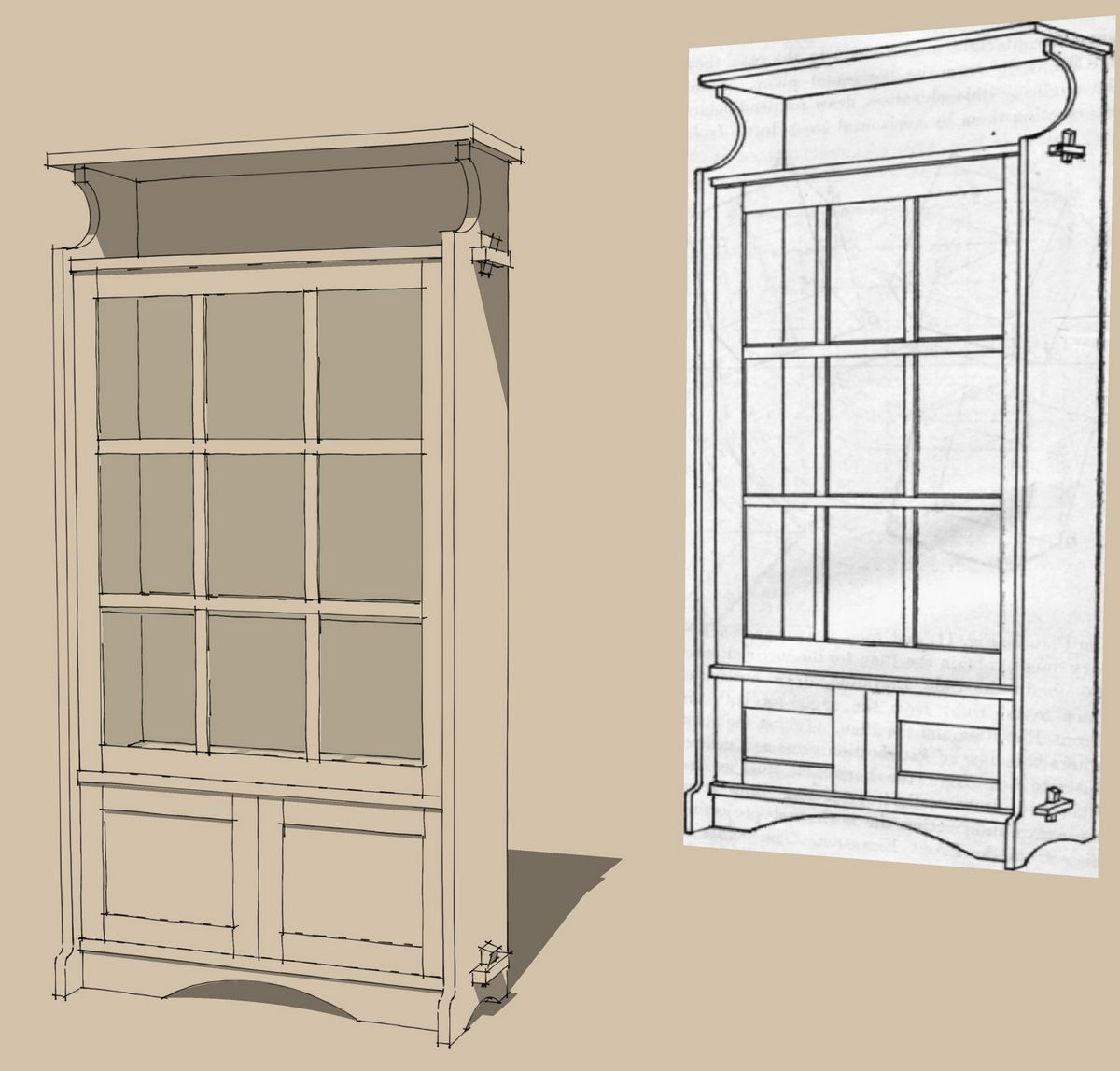
One of the differences between the original sketch and the dimension in the text is the apparent size of the lower doors. I drew them according to the text but compared to the drawing, my doors look too tall and the door frames too narrow. It’s good evidence that the drawing isn’t always right.
There’s a third way to import an image to use as a reference. it’s called Photo Match. I’ll write about that in an upcoming blog post.














Comments
Dave,
I guess Photomatch could be useful for such a thing too?
Chris
Were you editing this when I posted about Photomatch or did I simply miss the reference?
Chris
Very interesting post Dave. I'd add that it should be given particular attention when drawing details, especially in more complex models, so as all parts come at usable dimensions, especially if we mean to take the plan down to the shop. Sometimes SketchUp users that get too much involved in "just copying" could overlook this aspect.
Luca
Hi Chris,
No, I wasn't editing while you were writing. I wrote that line before posting. Of course in a drawing such as the example I used here, Photo Match would be useless because it isn't drawn in a true perspective.
Luca, you are right. It's one thing to draw a model but you should make the dimensions something you can actually work to in your shop.
While drawing this cabinet, it occurred to me that I would probably want to make it slightly deeper than it is based on the dimensions in the text. I didn't worry about making that change while I was drawing the piece though. It's easy enough to modify it to suit after I have all of the parts in place.
The text also indicates the fixed shelf above the bottom doors is to be butted to the sides and attached with "strong screws" and the heads covered with putty. I guess I'd either use stopped dadoes or taper sliding dovetails and skip the screws altogether. I tend to work out all those sorts of details after I have the basic model completed.
Dave
Dave - you wrote
""make it slightly deeper than it is based on the dimensions in the text. I didn't worry about making that change while I was drawing the piece though. It's easy enough to modify it to suit after I have all of the parts in place.""
Maybe you could blog on the technique you use to re-model a project when several part dimensions change. Hopefully, it will be an easy trick and not a laborious task.
Log in or create an account to post a comment.
Sign up Log in