From Sketchup to Reality
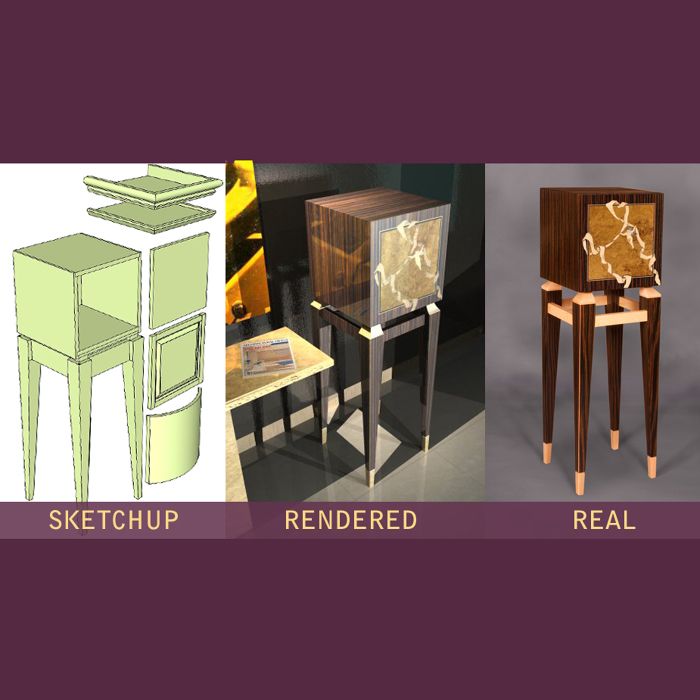
Outputs of the overall digital workflow.
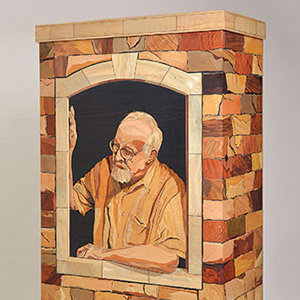
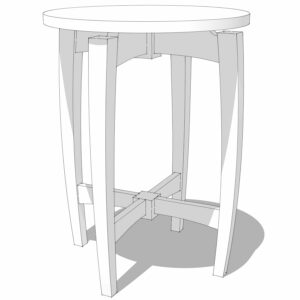
Here is a picture of a design that started in Sketchup, then was rendered, then finally built. I did several variations of the design and actually built 6 different doors, 6 different stands, and several accessories. Sketchup was one of several programs used.
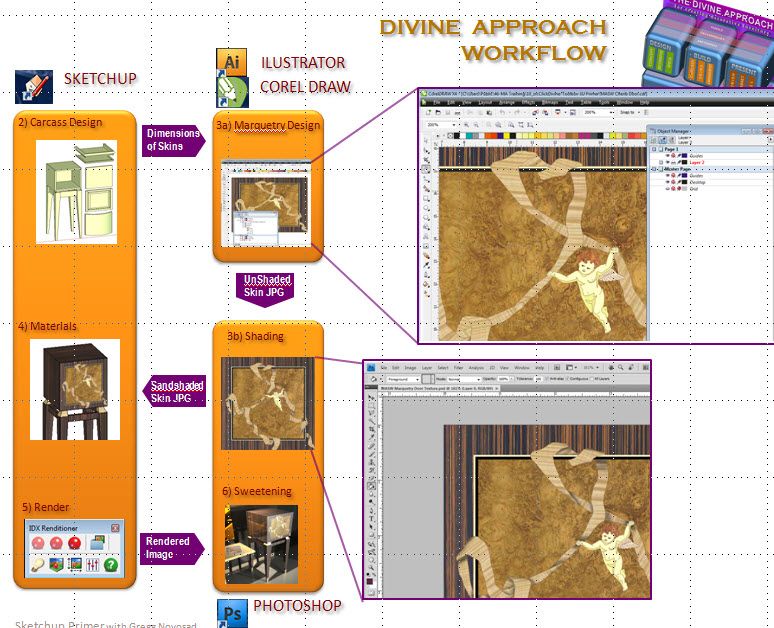
First, I created a “virtual toolbox” that has all my photographed veneers which have been tiled and adjusted for consistent lighting in Photoshop.
Next, I do all my marquetry designs in a 2d vector program and fill the shapes with the veneer jpgs.
Third, I model in SU and import the veneers jpgs and convert them to textures.
Fourth, I render the scene with a SU plug in.
Finally, for the real photo, I shoot against a black backdrop then in Photoshop I knockout the main image and put in my custom created backdrop. Then I add my own shadows.
My virtual toolbox has grown to 70 textures included shells, metals, and 65 different veneers that I use routinely.
-
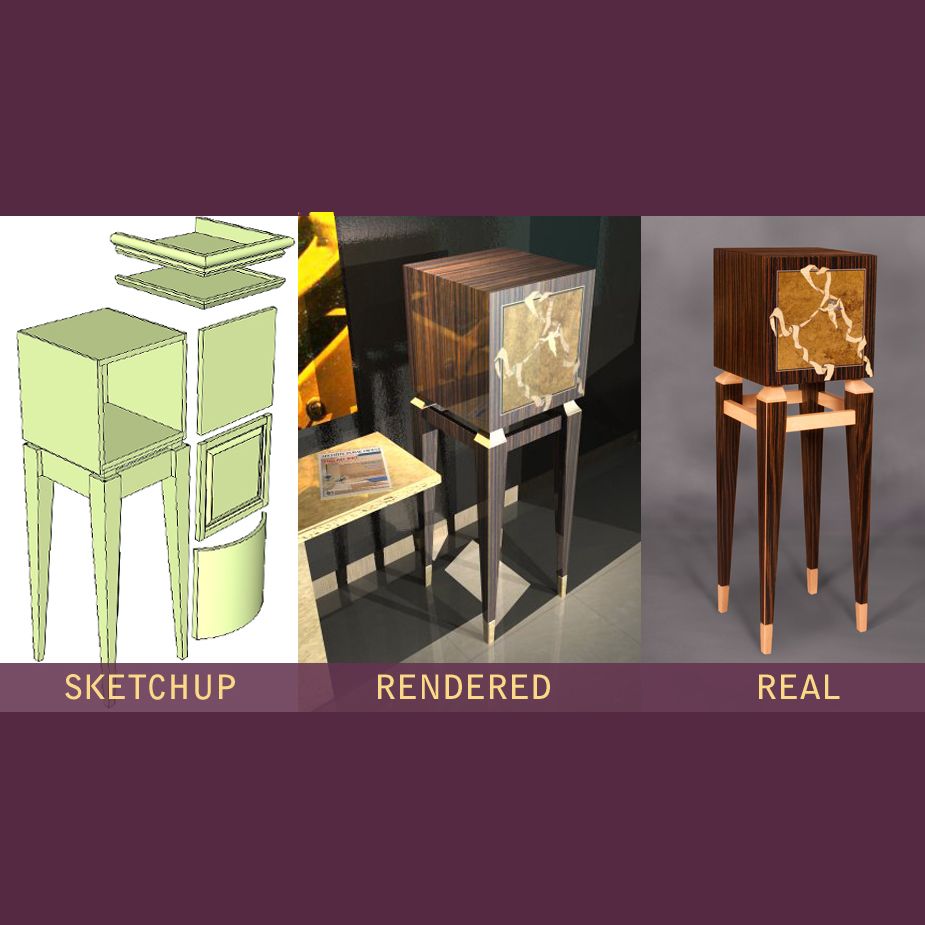
Outputs of the overall digital workflow.
-
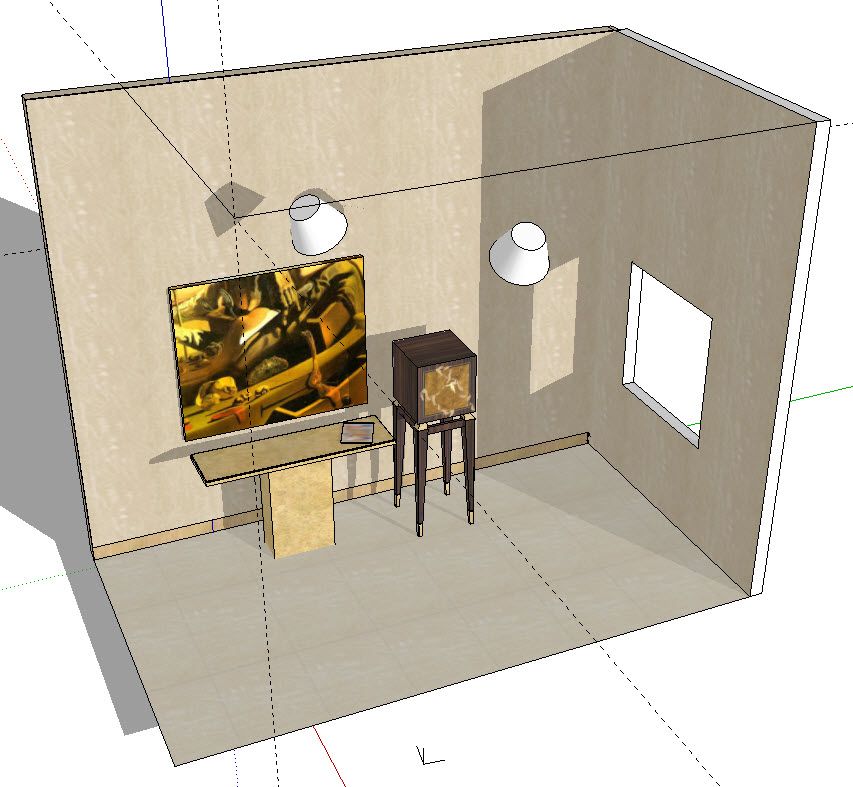
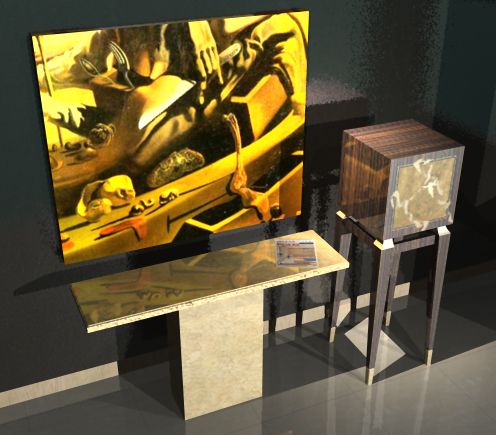
A scene is sketchup showing lighting.
-
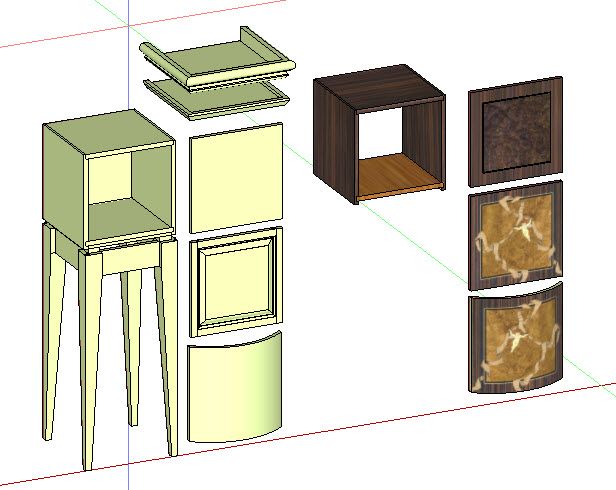
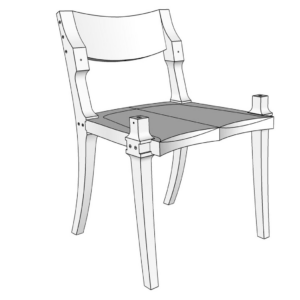
Design variations, complete with textured components.
-
A render where the textures are set to "Glossy", so the finish is very reflective.
-
The digital workflow.










Log in or create an account to post a comment.
Sign up Log in