
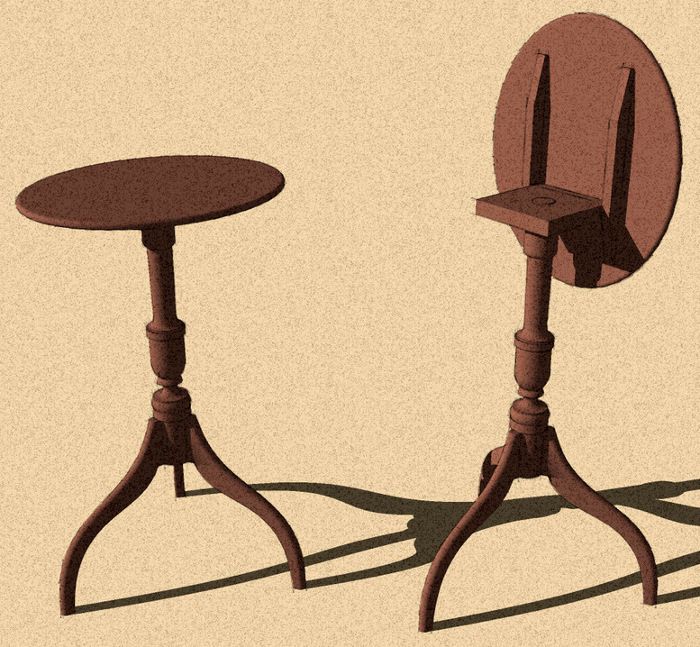
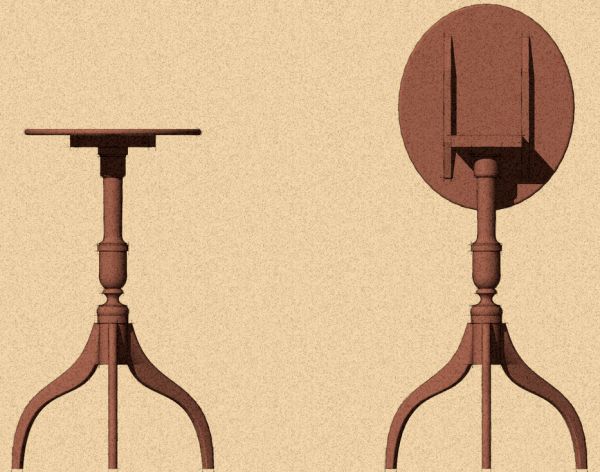
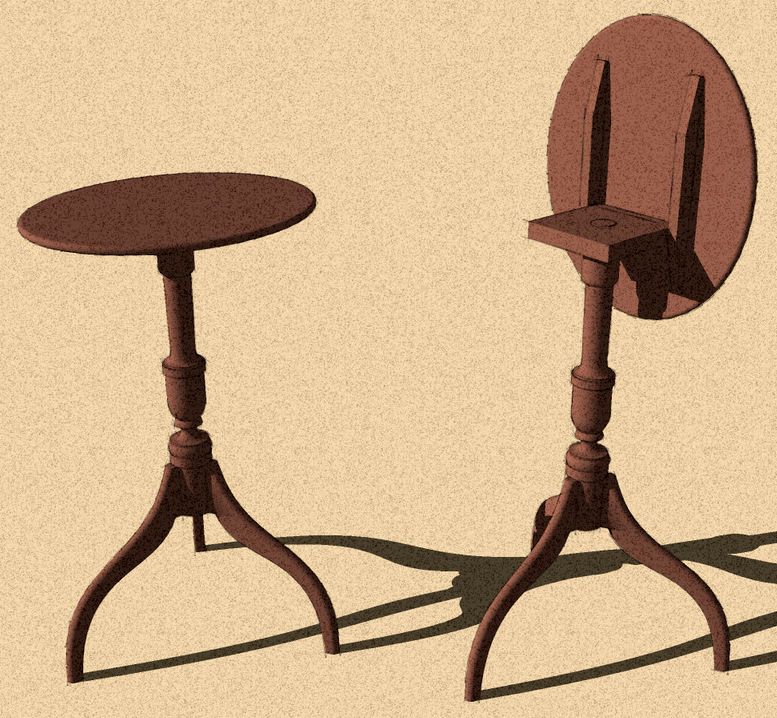
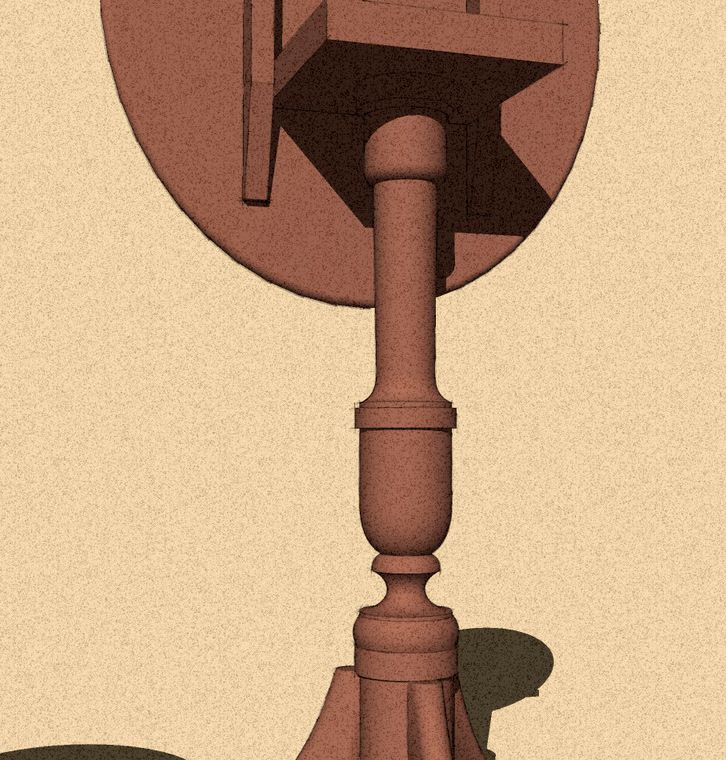
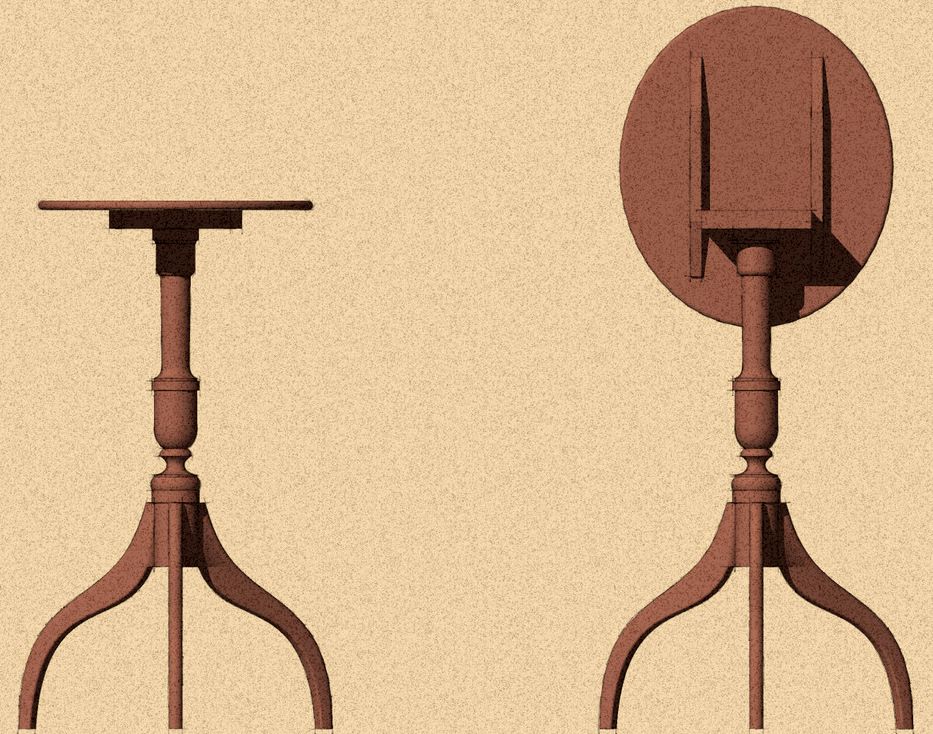
In my previous blog post I used a plugin called Bezier.rb to draw some of the curves on the turned portions of the leg. I had several requests from readers about using that tool so I’ve done a little video that I hope will help explain it a little. For this I used Mario Rodriguez’s little Tilt-top Table.
The tool is handy for drawing non-circular curves. The curve can be edited after they are drawn allowing you to tweak the curve’s shape if needed. The plugin is happy to draw 3-dimensional curves. If you want to ensure the curve stays 2D, you may find it useful to draw a face on which you can work. You can delete the face later if needed. Guidelines are also useful in helping to lay out Bezier curves.
There is another set of curve-drawing tools called Bezierspline but I find that Bezier.rb works fine for most of my needs.
https://youtube.com/watch?v=BJRlIH2p4GU















Comments
Dave,
Good video....little weak on the audio :-).
What determines the degrees of the Bezier tool? Are their guidelines for the # of degrees?
Ken T
Ken,
I don't know what to tell you about the audio. As far as the volume goes, I am not having any difficulty. I can't help the voice itself. I'm stuck with that. ;)
As to the number of degrees, the easiest way i know to describe it is the number of spaces between control points. As to how many control points, it depends upon how many changes there are in the curve direction and radius. In most cases I find 5 to be the most I need and for many curves, a 2 degree curve is perfect.
Dave
Dave,
Thanks, I've tried using Bezier.rb without any luck in the past. You've taken the mystery out of it.
Dave,
Another very clear explanation! When I first started using this tool I overlooked the possibility to change the number of control points for ages and it used to frustrate me enormously..
Chris
Dave,
This plug-in makes it official: SketchUp now beats Adobe Illustrator for versatility and ease of use. Manipulating bezier curves was always Illustrator's weak point, at least for me. But the bezier plug-in makes it so easy to draw and edit curves. Love it.
David Heim
Regarding the audio, people realize that they need to set the volume in both their computer's main audio properties AND in the video player, too, right?
-Steve
Dave
Ive tried the link to bezier.rb but there is no down load mechanism, can you help? please. TG
teamman, right click on the link and choose Save Target as... or Save Link as. Make sure it saves as a .rb file and put it into the Plugins folder.
Dave
How did you input this table to SK. Has there been a Blog that would help. TG
I assume you are referring to the image from the article. I think Tim and I have both talked about doing this. Basically I imported an image file (File>Import...) and used it as an image as opposed to a texture. Once I got the information I needed from it, I deleted the image.
Thanks for the great resource! this blog along with Tim's book has taken a lot of the frustration out of learning Sketchup-
I've downloaded the the plugin and it shows up in the menu, but when I try to use it it doesn't create a face- I've tried making sure that I'm in the same plane but still no luck-
Any suggestions?
(using SU8 on a Mac)
Thanks!
@cbsn, Are you creating a closed shape when you draw with the Bezier tool? If you leave even the slightest gap between curves and/or edges, you won't get a face. Are you drawing the Bezier curve on an existing face or just drawing it in space?
You could send the SKP file to me so I could take a look and see what is happening.
Dave
Thanks Dave,
I must have been leaving a small gap- tried it now and zoomed in close to make sure that I wasn't leaving a gap and getting the endpoints- it's working for me now.
BTW, I'm in St Paul- do you ever teach any SU classes in Rochester?
Thanks for your help-
cbsn, I'm glad you have that sorted out now.
re: classes. I am teaching a class through the local community ed program. In fact, a four week class started this past Wednesday. I will probably do another in the fall if enough people sign up.
-Dave
Dave,
Is there a way to specify the number of segments in a bezier curve?
thanks,
David Hood
David, you can only specify the number of control points with Bezier.rb but if you use the BZSpline plugin, you can specify both the number of segments and the number of control points. After you select the tool from the BZ toolbar, type in the number of control points followed by the number of segments such as 3, 24s which will give you 3 control points and 24 segments.
-Dave
Log in or create an account to post a comment.
Sign up Log in