
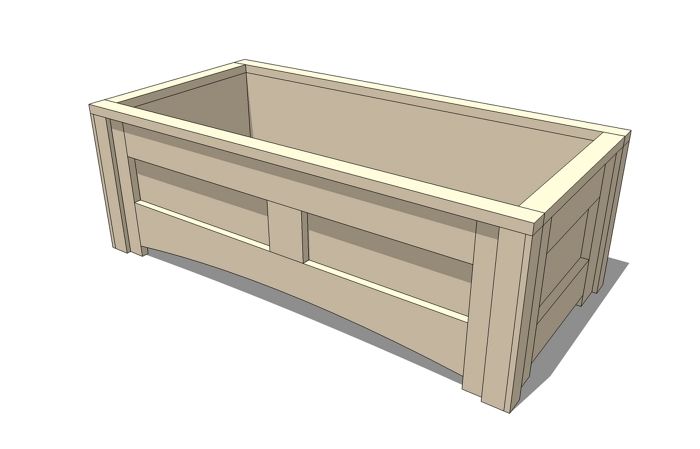
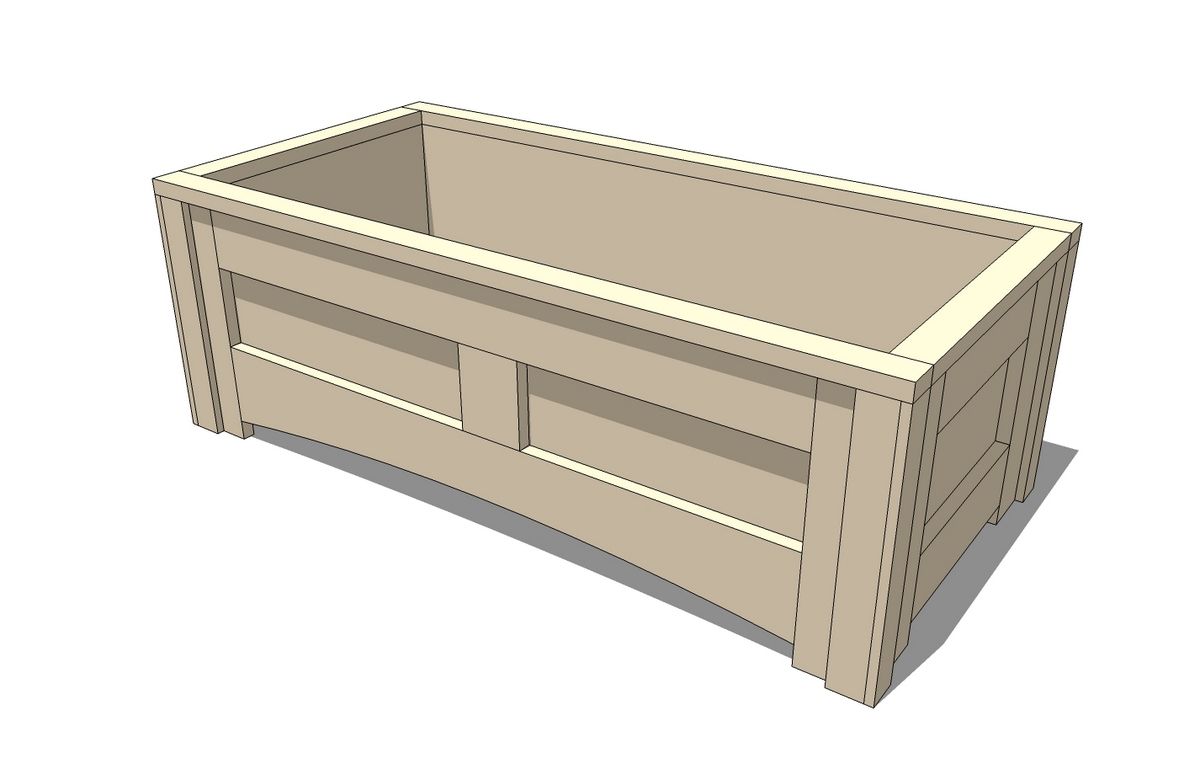
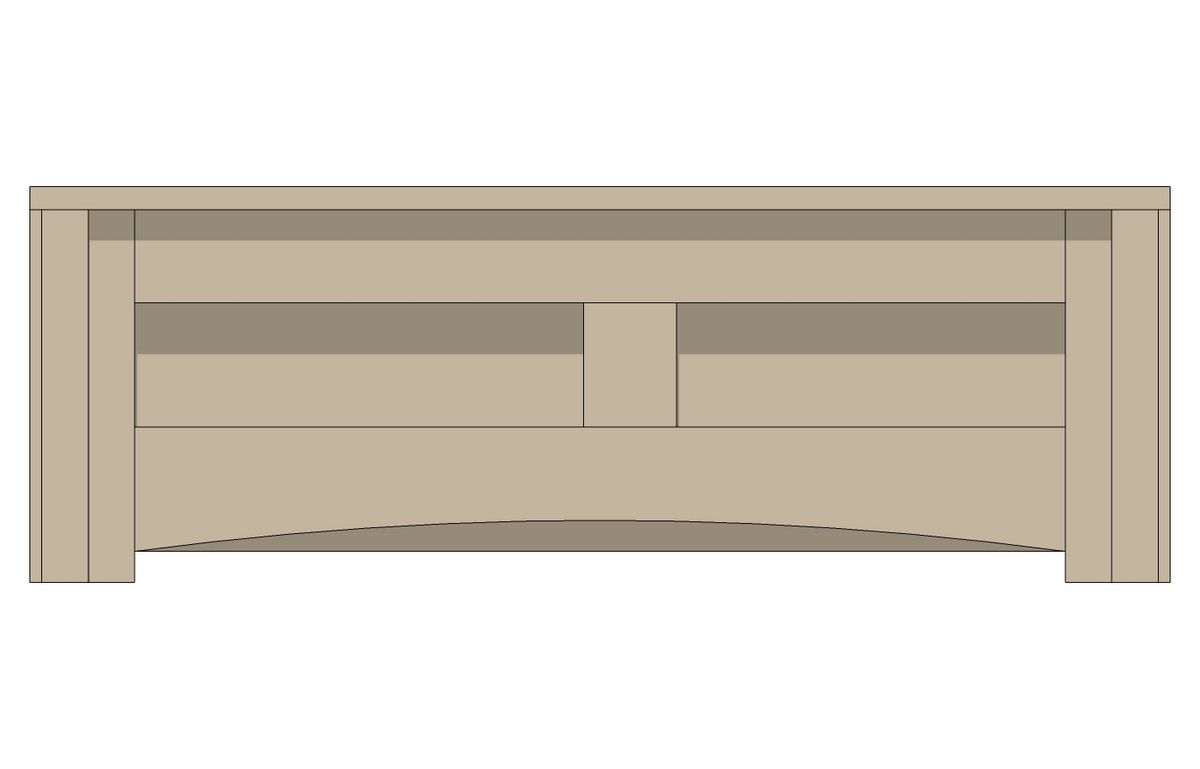
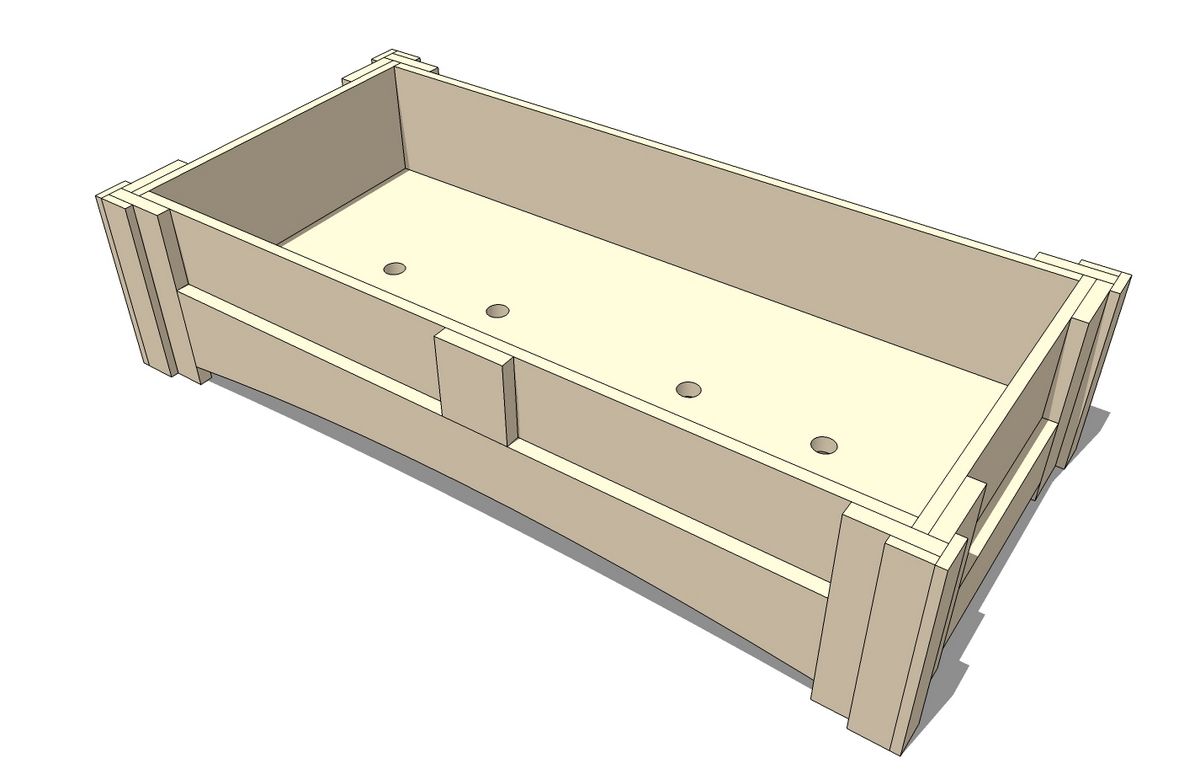
Tim’s post about using sections to show details reminded me of another handy plugin called SectionCutFace. This plugin takes sections a step further by quickly creating faces at the location of the section cut. The faces are geometry that can be manipulated or moved if needed. You can use the faces to simply hide the inside of the components you’re looking at or make a pattern if needed. The plugin is also very simple to use. Here’s a demonstration using a planter model designed by a friend of mine.
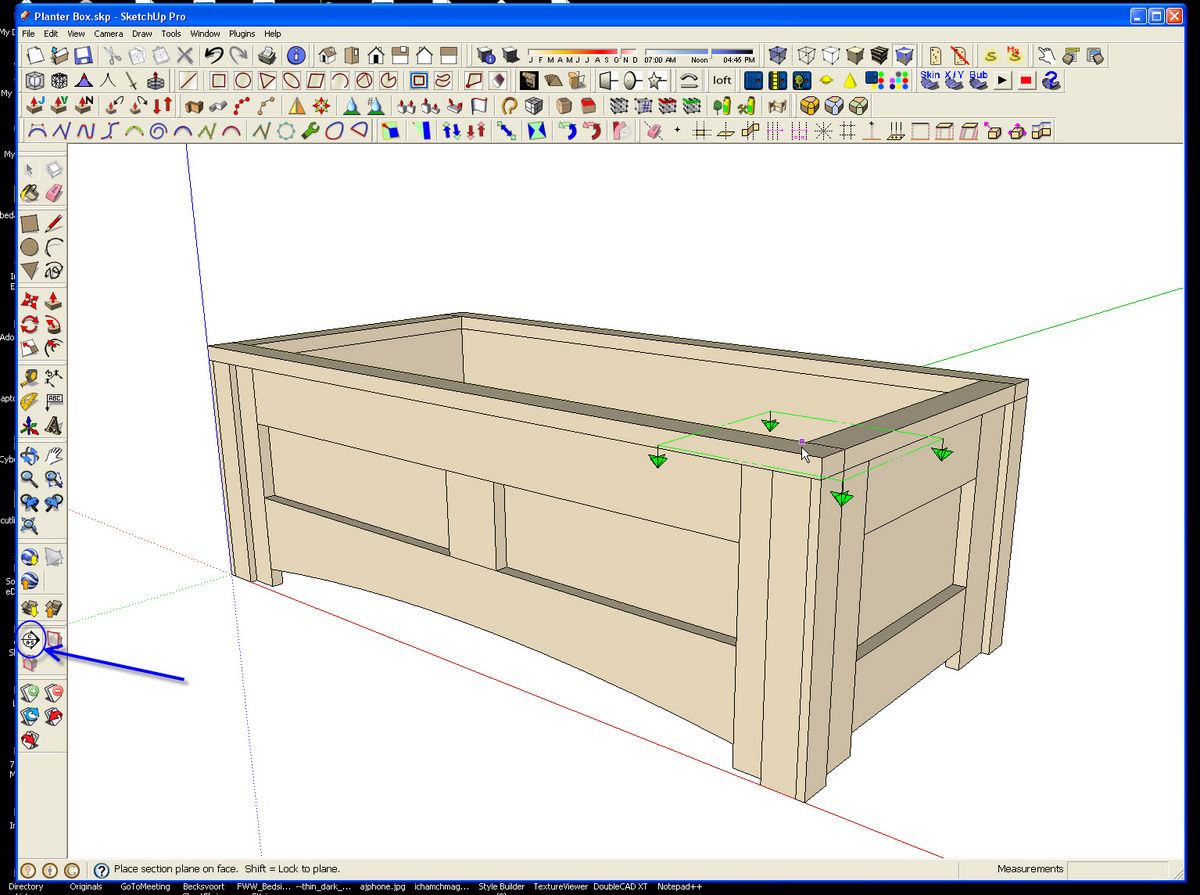
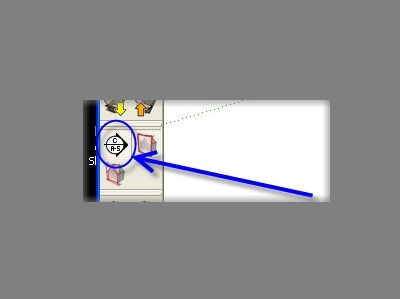
To start, I clicked on the Section Plane tool on the Sections toolbar.
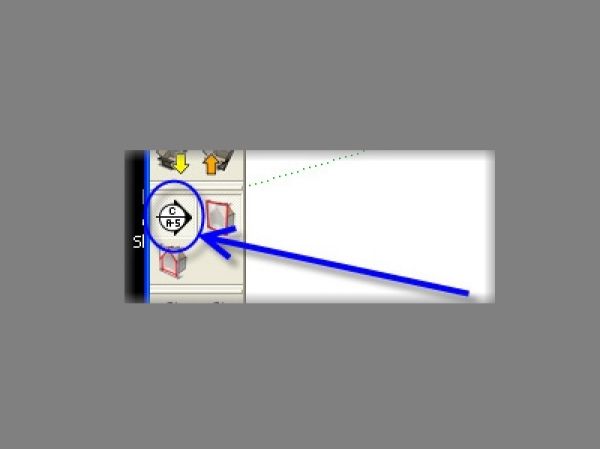
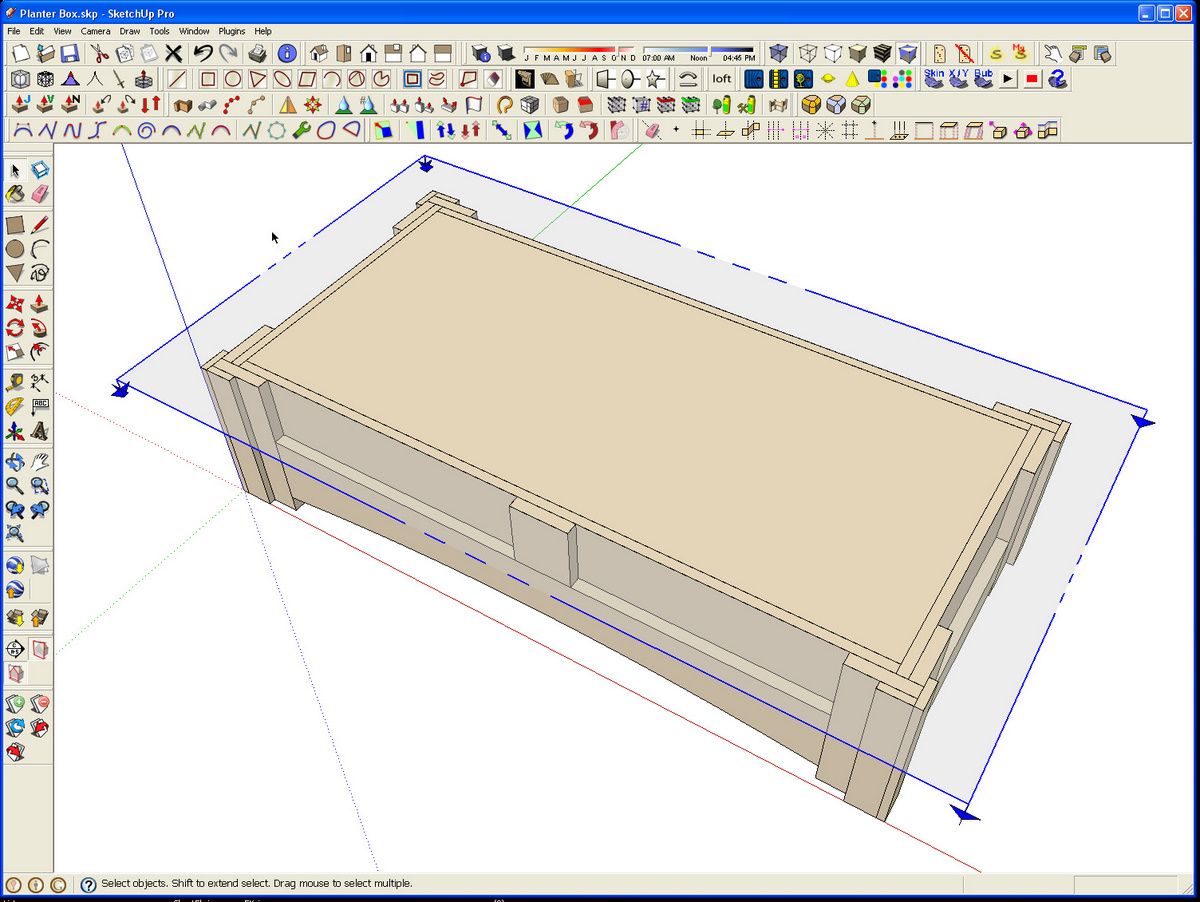
The section plane is then placed on a surface oriented to the desired section cut.
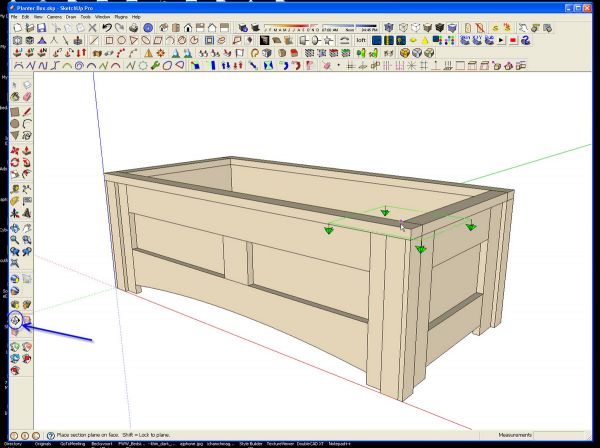
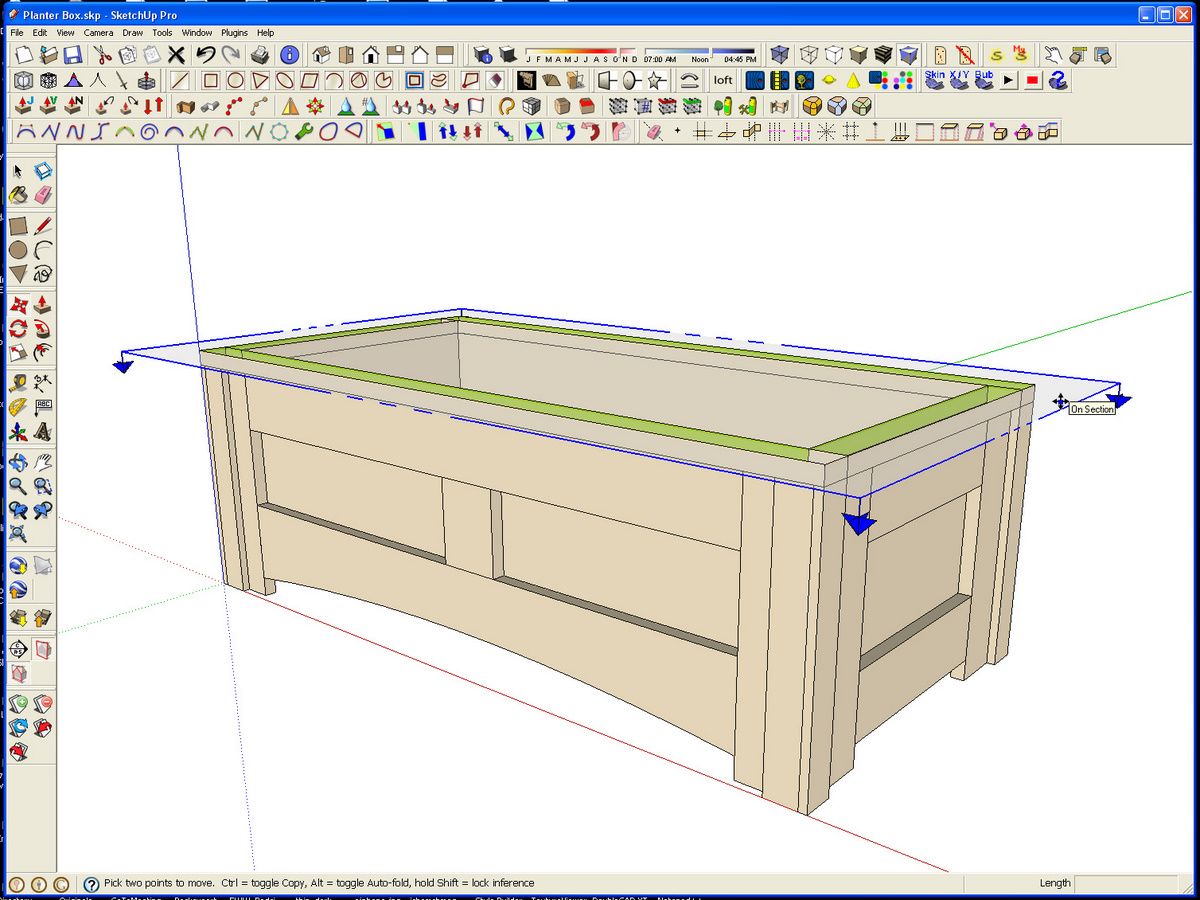
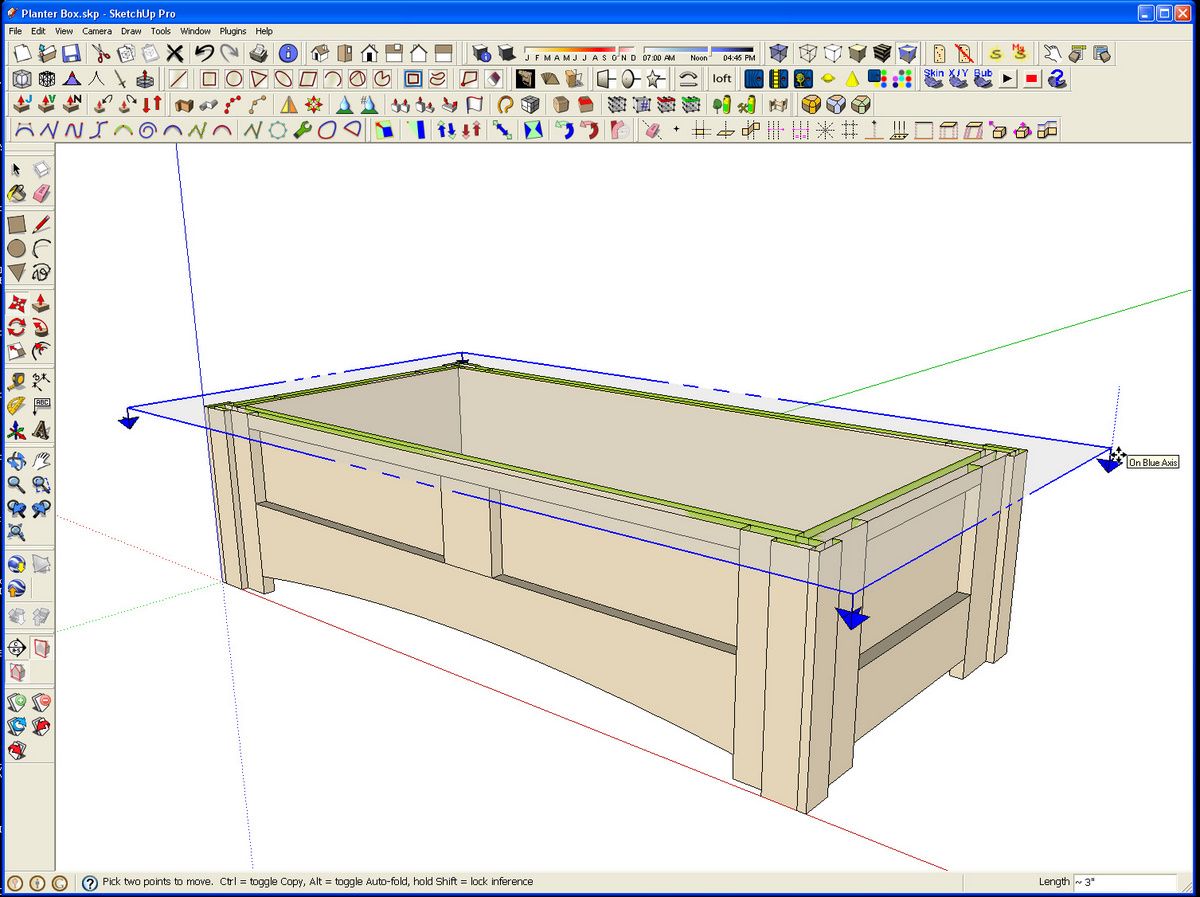
Clicking the mouse places the section on that surface. Then the Move tool is used to move the section cut to the desired location. The section cut can also be rotated if desired.
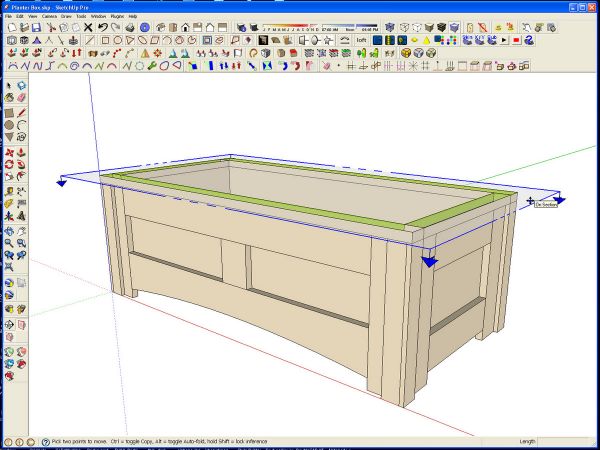
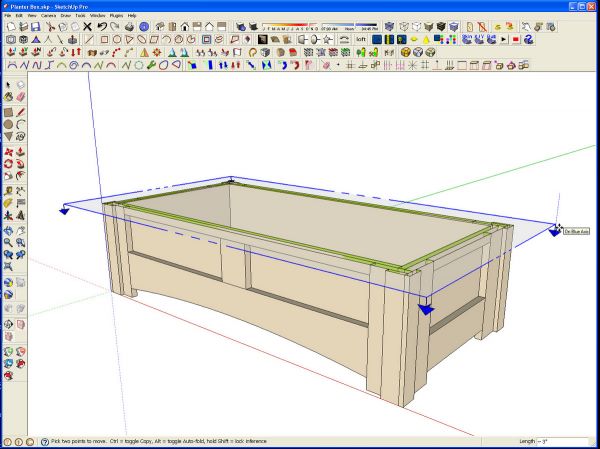
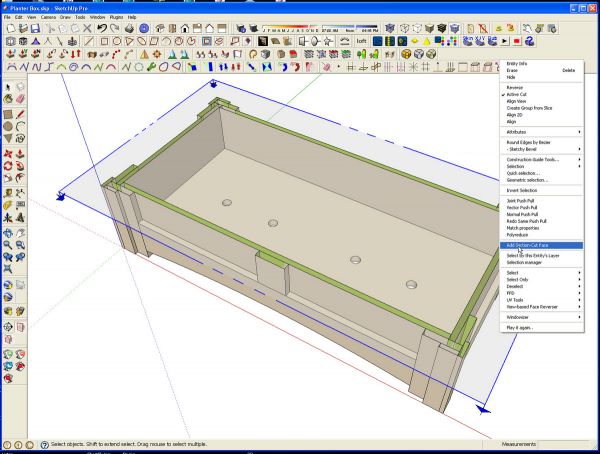
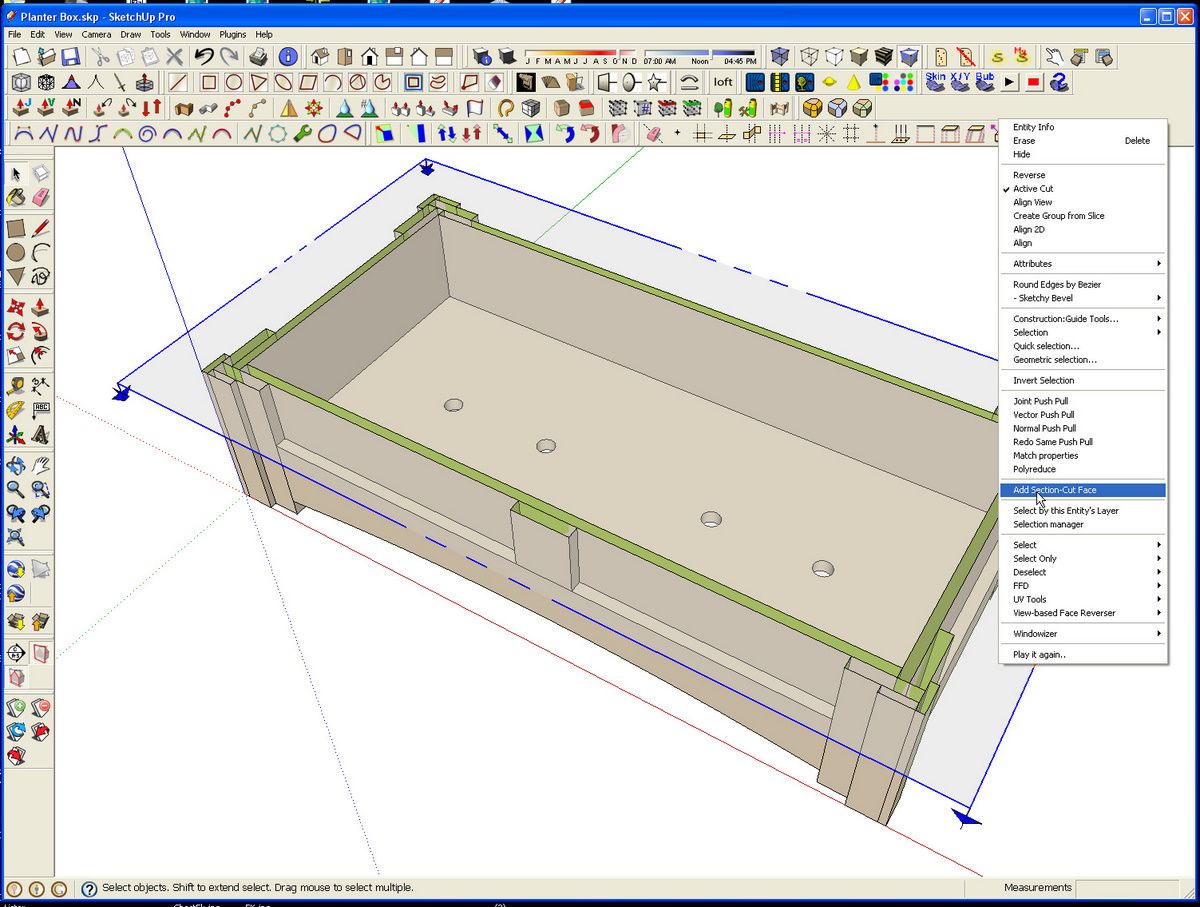
The green in the model is the inside faces of the components. Now to create the section faces. Right click on the section plane and choose Add Section-Cut Face from the Context menu.
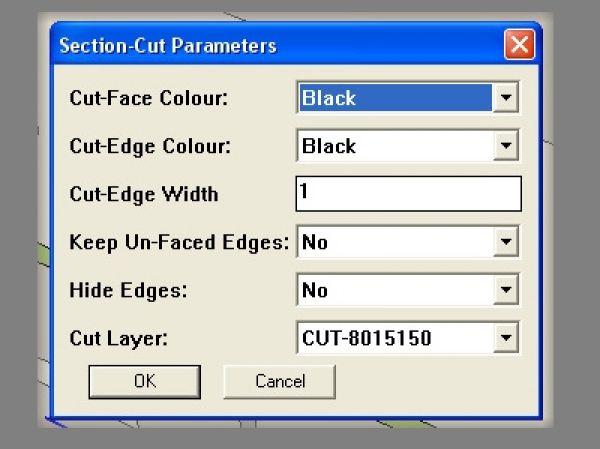
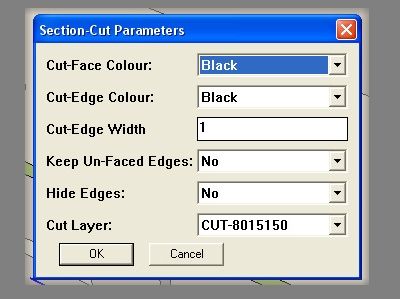
A dialog box pops up to make some adjustments. I prefer to keep the cut edges thin so I set them to 1 and I wanted to be able to see all of the edges so I chose ‘No’ for Hide Edges.
After clicking on OK, The section cut faces are created and made into a group.
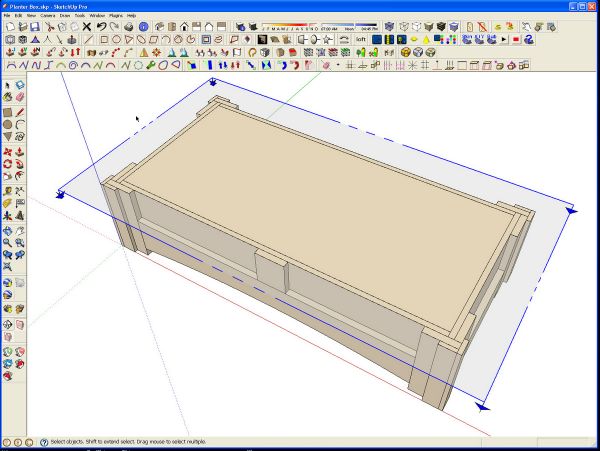
There’s an unwanted face in the center but it is easy enough to remove. Just open the group for editing, select the unwanted face and hit the Delete key.
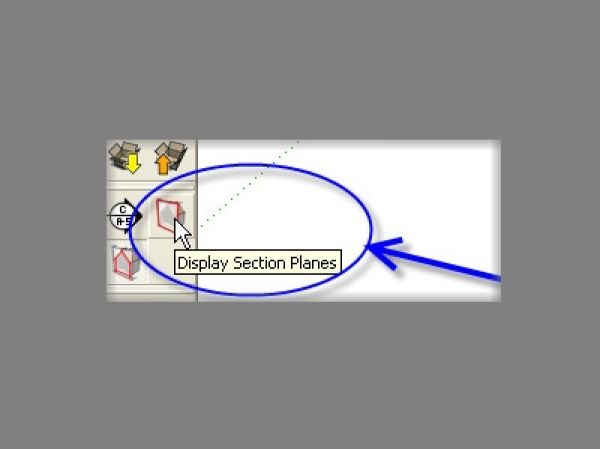
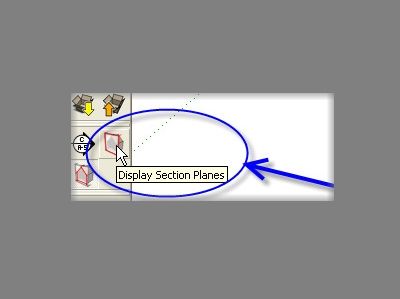
The section cut faces were put on a new layer. Toggle off the section plane with the ‘Display Section Planes’ button.
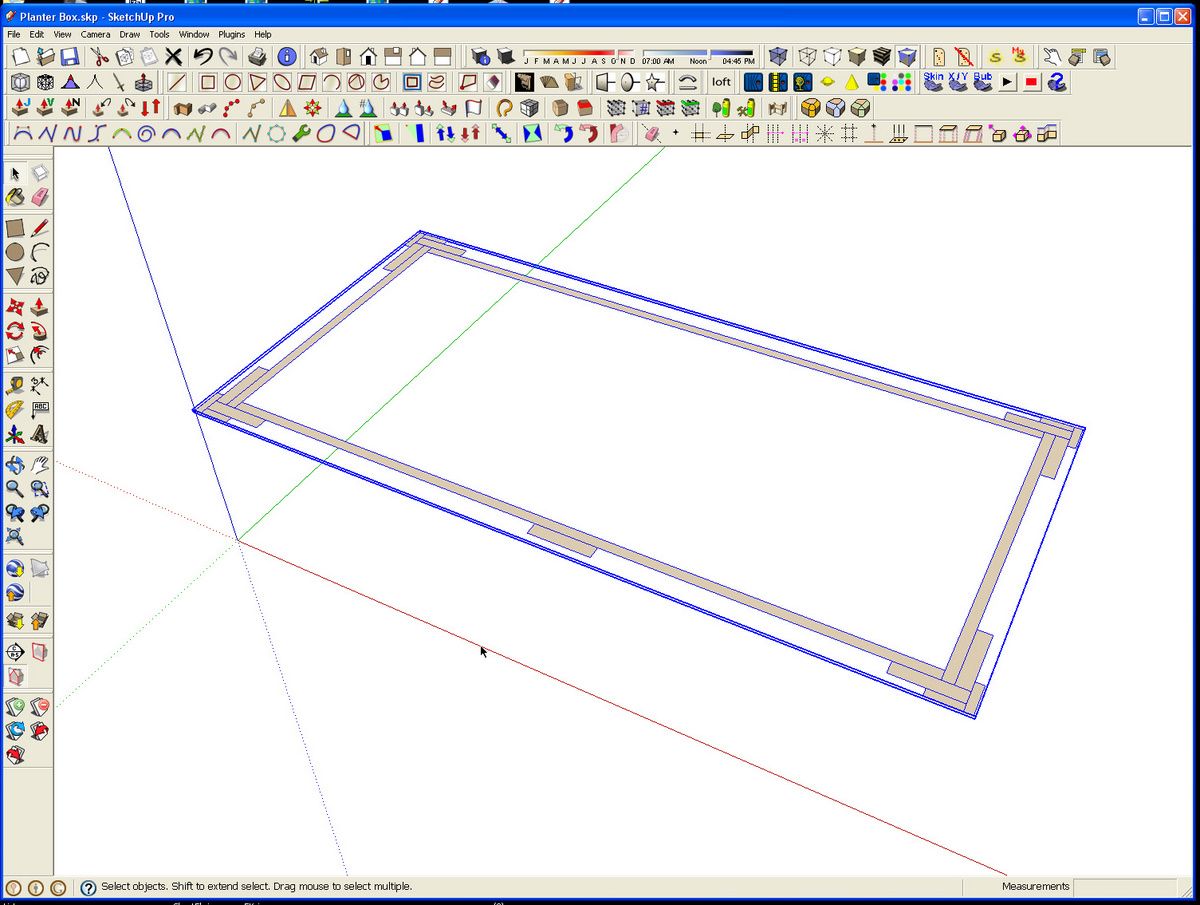
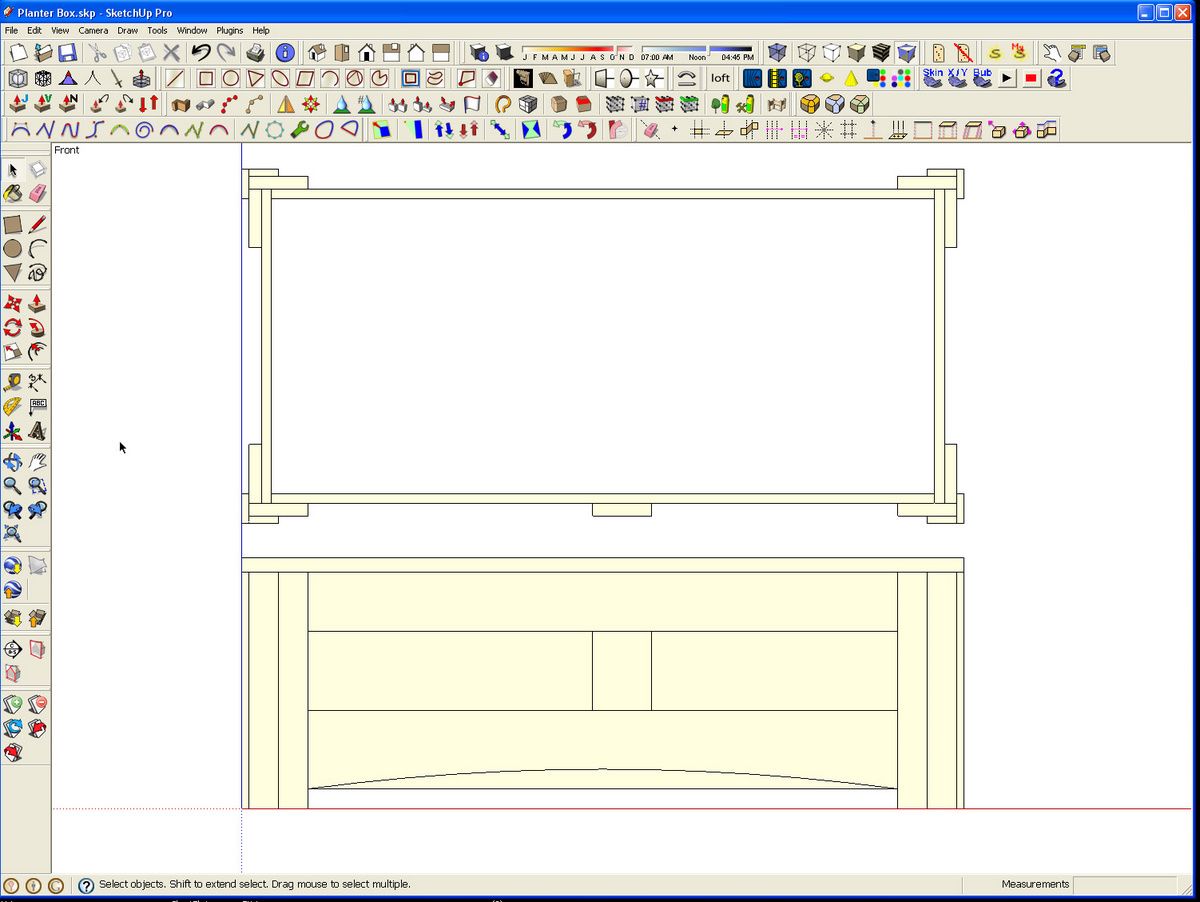
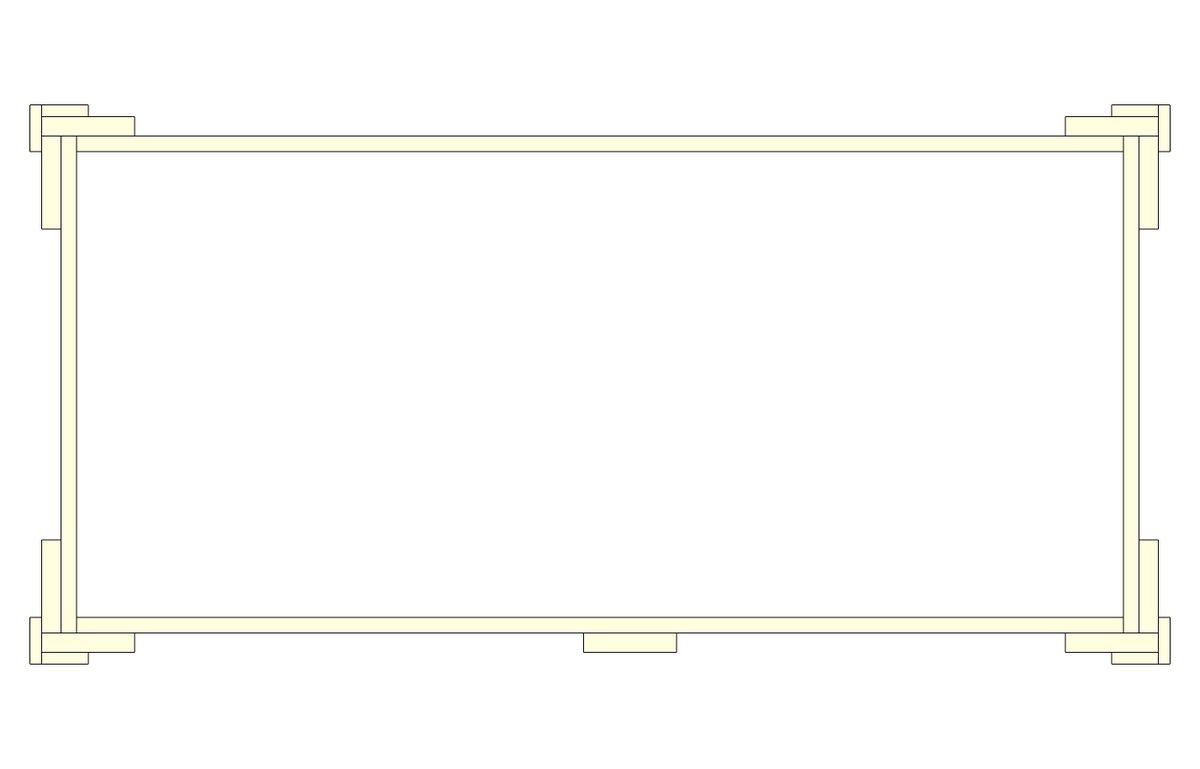
After hiding the layer the planter box is on, we’re left with just the sectioncut faces.
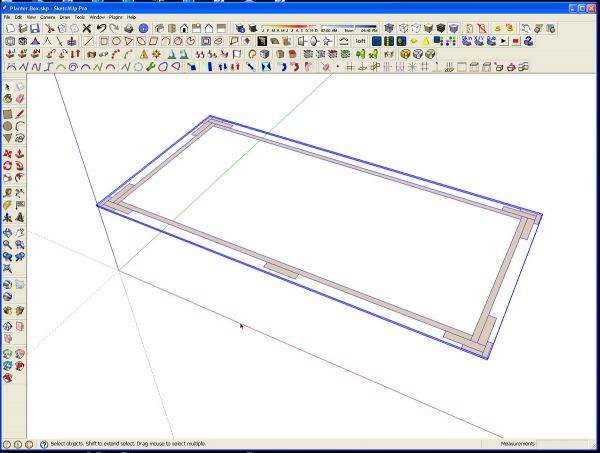
This can be moved if desired so it can be shown in additon to the entire model…
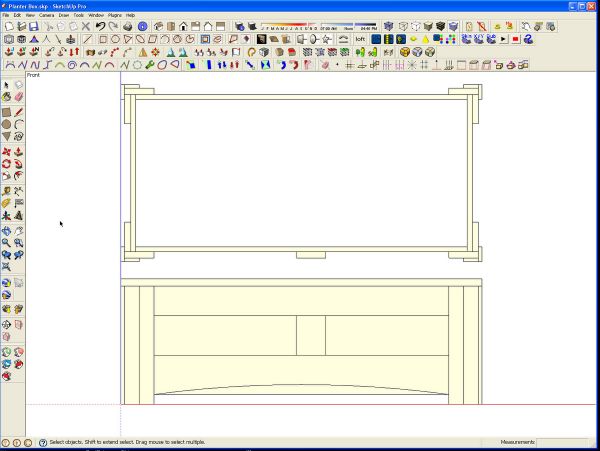
…or set in its own scene to use it as a pattern.
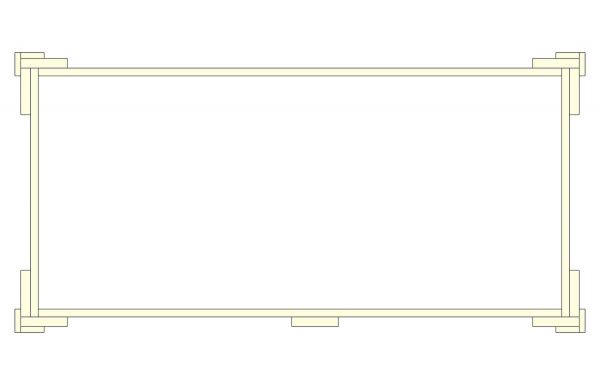
Leaving the section cut faces in place and their edges hidden, will make for a nicer appearance of the model when the section cut is viewed in 3D.
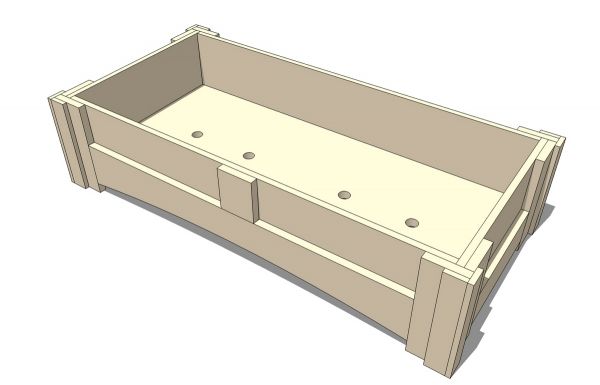
Since the section cut faces are on a separate layer, scenes can be made to show the model with and without the cut and, if desired the pattern or template.

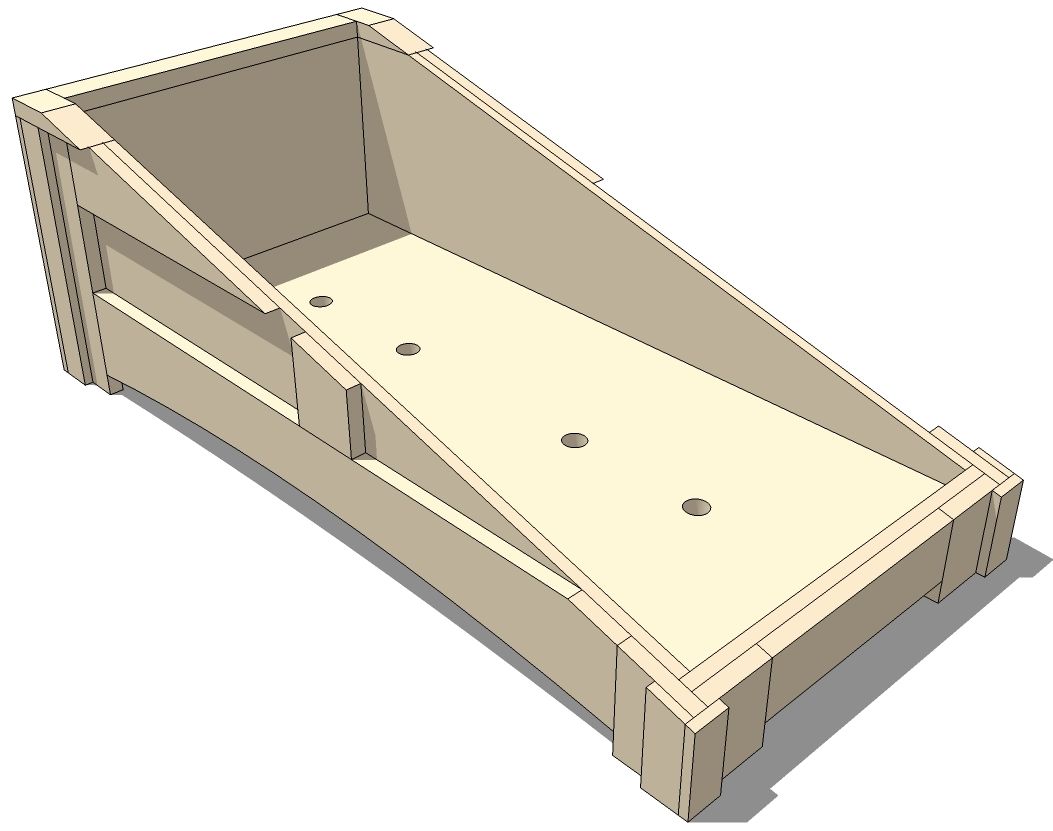
Here’s an example of a section cut made at an angle.
The plugin is available here. Save it into the Plugins folder and restart SketchUp if it is open so that the plugin will load.













Comments
Dave -
Very cool. Thanks!
I just downloaded SectionCutFace v2.2. Looking forward to using it on my next project.
David
http://foldingrule.blogspot.com/
Log in or create an account to post a comment.
Sign up Log in