
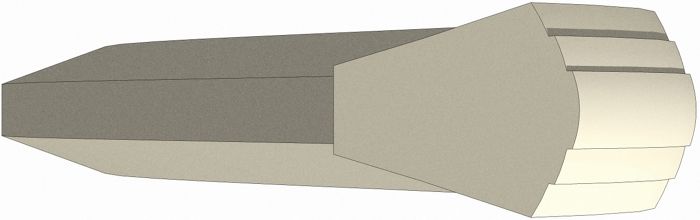
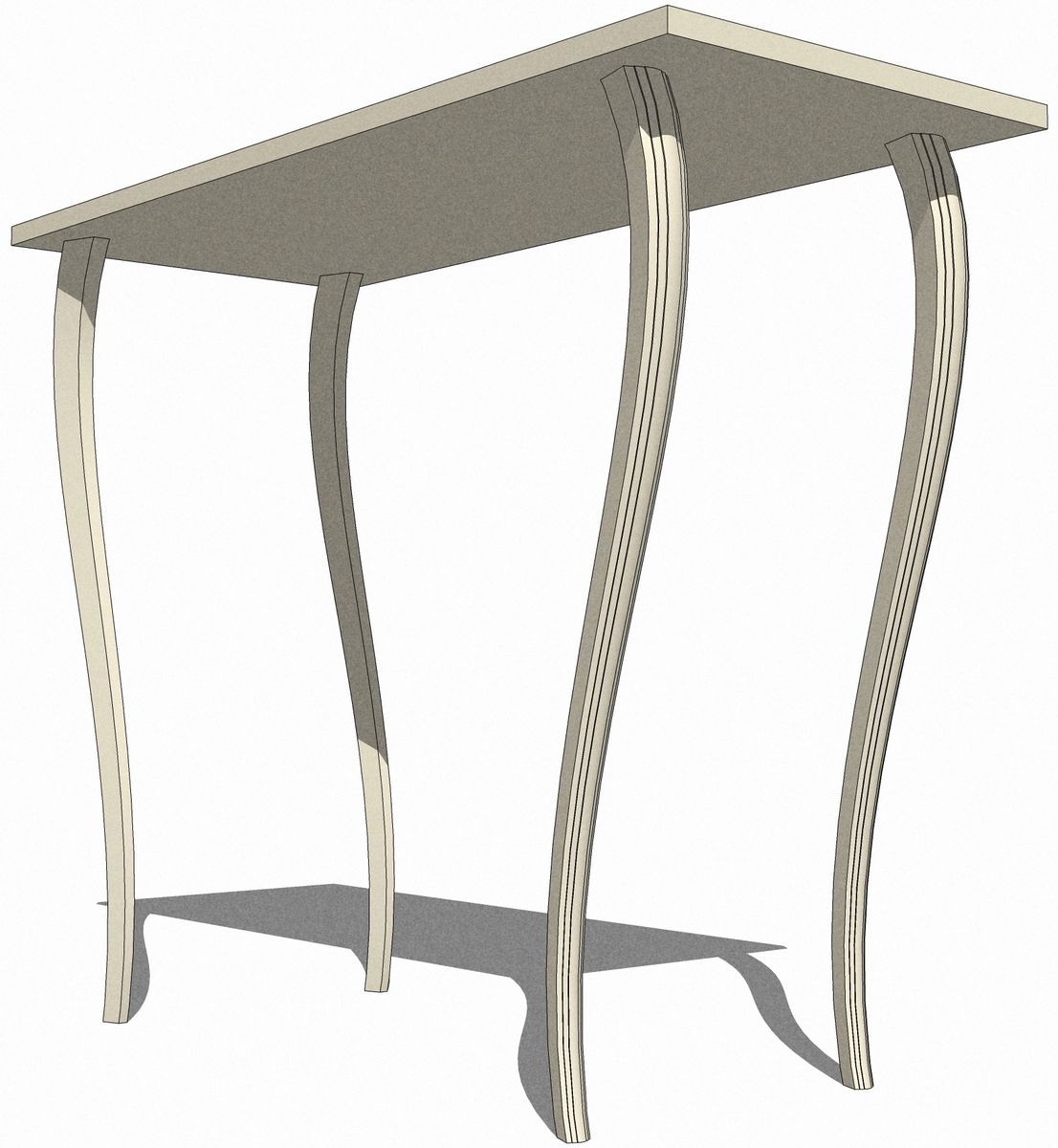
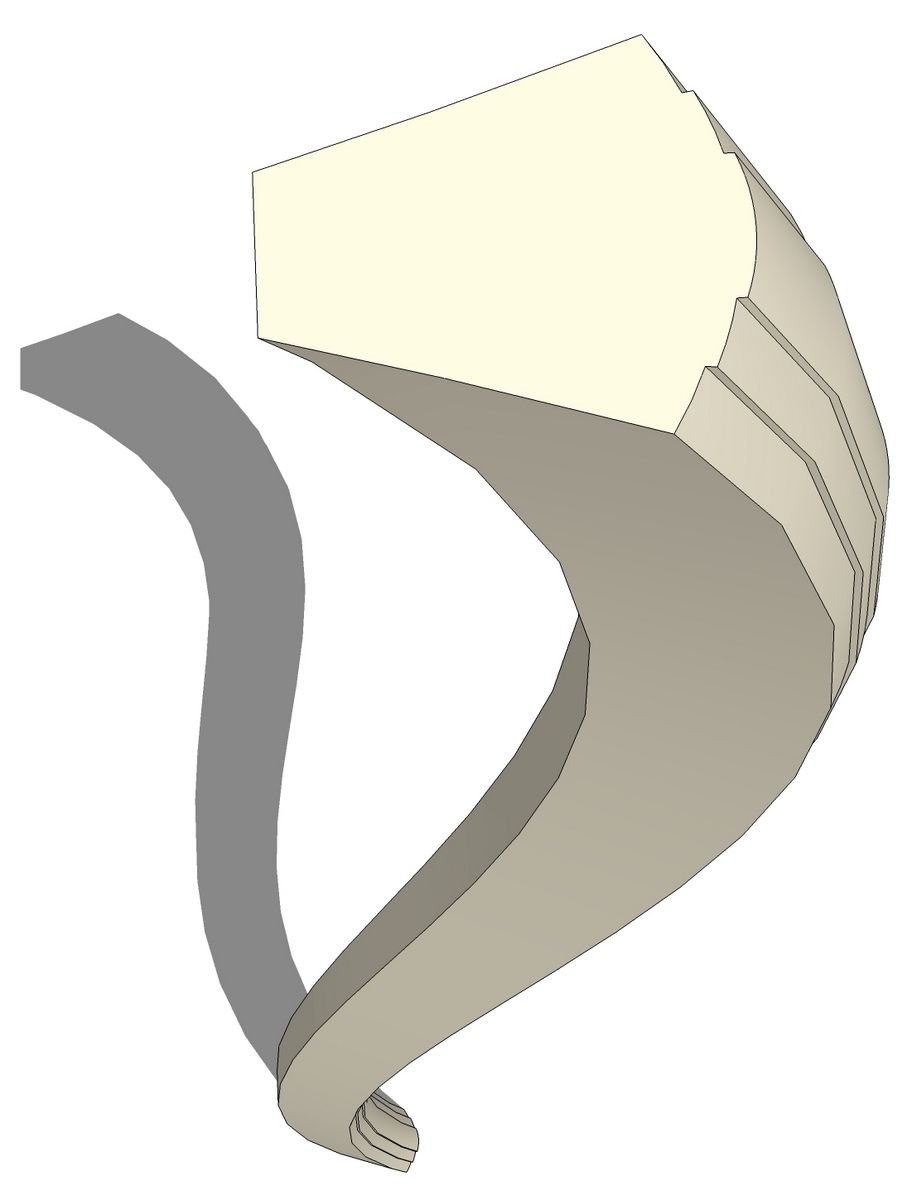
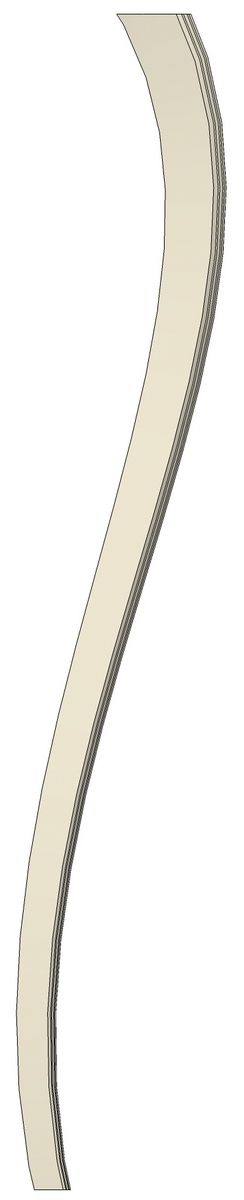
Not long ago I saw a question from a SketchUp user about how to draw a leg similar to the ones shown here. While thinking about how to draw it, I got to thinking about how much easier it is to draw complex shapes these days than when I first started using sketchUp back at version 3. There are some amazing plugins out there now that really stretch what you can draw with SketchUp. Many will save you a great deal of time, too.
When the Shape Bender plugin was released I wrote a blog entry to announce it here. Here’s an example of a practical use for that plugin.
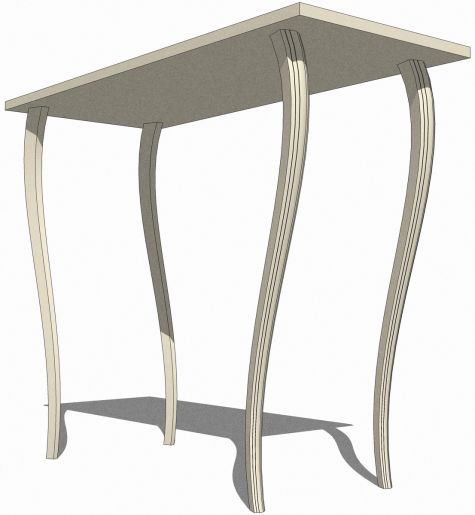
The table I started designing is far from complete and the legs will likely change again. The nice thing about working out the design virtually is that you can pay with the design until you get something you like and the mistakes and duds won’t go into the woodstove.
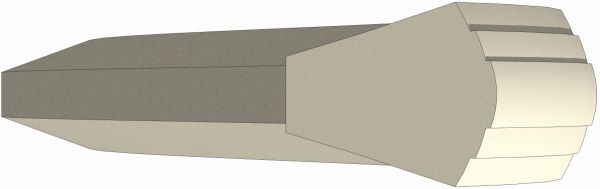
I hope this will give you some ideas and tools to expand your capabilities with SketchUp.
















Comments
Hi Dave,
There is an easier way (at least i think its easier) to get the rotate tool to change its axis, which has the added bonus of allowing you to rotate about ANY axis. When setting the initial rotation point, click and then drag in the direction that you want to use as the axis. You can use all the usual inferences to rotate parallel to any of the axes, additionaly you can use any pair of points to set an axis in any other direction, including ones not in any of the basic planes.
Thanks Nick. That does work although I find it somewhat erratic. I actually tried to use that when setting up the video and I couldn't get the inference to work along the green axis line. It does sometimes work however. If you have a drawn line or a guideline your method will work all the time.
I use both methods depending on what I'm doing.
Dave
Dave great presentation of "ShapeBender". Tried install it on SUPro7 Mac. No luck getting it to run. Your guidance is appreciated.
Tenbears, please contact me via e-mail and we'll see if we can get you sorted out.
Did you download progressbar.rb?
Hi Dave,
I am a fine furniture maker, but i am new to sketchup. I found your blog, read Tim killen's article in issue #194, and I have read many of the recent posts. I also took most of the SketchUp tutoials, but I still need amore information on the basics. I am currently trying to design a dry sink like the one in the current issue of "Woodwoking Magazine." I usually make musch more complex items such as huntboards and cupboard chests using my own pencil sketches. I chose this dry sink to explore SketchUp because it is such a simple designe. Were the original blog entries more basic? Where can I go to find them? I would appreciate anyother suggestions you may have.
Thanks,
Kent
Kent, there are some more basic tutorials on the old blog. Click on Archive in the box on the right side of the page that contains "About Deisgn. Click. Build."
E-mail me and perhaps we could set up a little time for a one on one tutorial time.
[email protected]
Hi Dave, As a moderately experienced user of Sketchup and a cabinetmaker/furniture maker I'm very interested in the shape blender plug-in to model some steam bent chair components.
The problem is, I can't find a link for the ruby script itself; just links to forums. Am I missing something?
Thanks for the great blog!
Andy, the link is to the Sketchucation forum thread where the plugin is available.
I'd like to see some of your drawings from this sometime.
Dave
Hi everyone.
The Bender plugin download is at the bottom of the first post at the top of page 1. It is an attached Zip file.
You have to register as a member of Sketchucation in order to see most of the attachments and pictures, and to download any files.
If you are not logged in, all you will see is a pink highlited message saying that you are not allowed to see the attachments in the posts.
Hope this helps.
Dave,
Thanks for this video demonstration. When I originally installed shape bender much difficulty was experienced. Your step by step demo got me going on the right track.
Thanks, once again.
Don
Log in or create an account to post a comment.
Sign up Log in